Every untracked visitor is a security risk. Every paper logbook is a compliance gap. Every minute a guest spends waiting at reception reflects how your organisation operates.
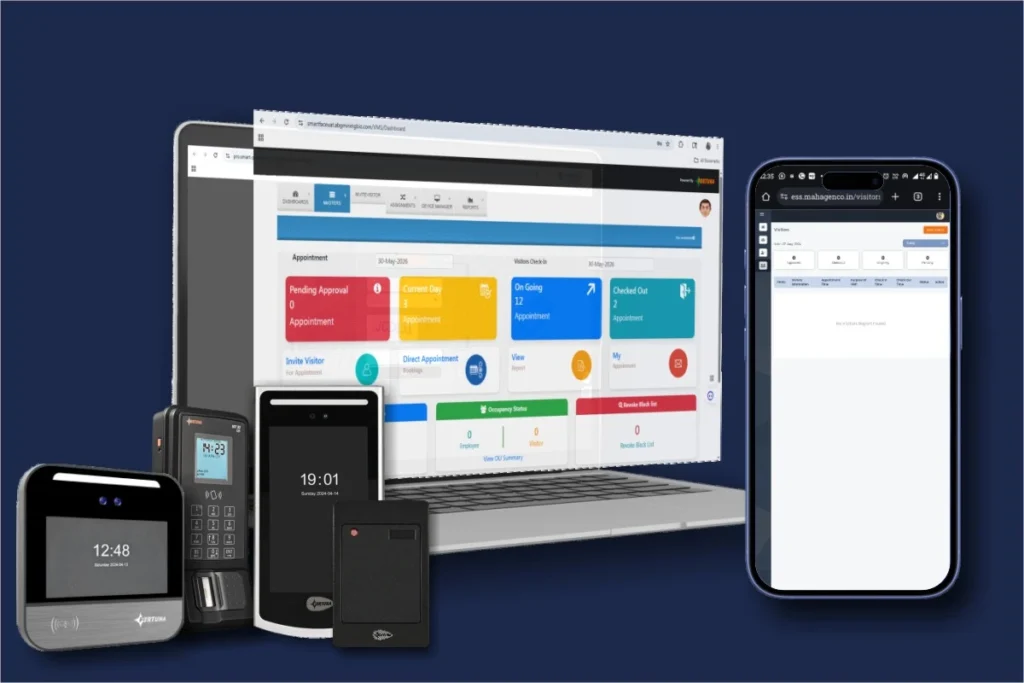
Fortuna’s visitor management system replaces paper registers, manual ID checks, and reception bottlenecks with a single intelligent platform. Visitors pre-register online, check in at a self-service kiosk using face recognition or QR code, receive time-bound access passes linked to your access control system, and check out automatically — without a single piece of paper or a single receptionist manually entering data.
Deployed across 500+ businesses — corporate offices, hospitals, manufacturing plants, and government facilities.
Trusted by India’s leading organisations
1. A register records a visit. It cannot retrieve one: An auditor asks who entered the server room on 12 March between 2 PM and 4 PM. A paper logbook holds the answer somewhere in a stack of pages — handwritten, unsearchable, and only as accurate as the entry made that afternoon. Hours of manual searching, for a question a system should answer in seconds.
2. Manual ID checks leave the desk without any backup: A receptionist verifying identity by eye has no watchlist to check against, no way to flag a previously blocked visitor, and no mechanism to enforce a time limit on the pass. The check depends on one person’s judgement because nothing behind the desk supports it.
3. The real gap opens after check-in: A generic pass grants a visitor the building. Nobody tracks which doors they open, how long they stay, or whether the pass expired an hour ago. With no link to the access control system, there is no automatic revocation and no audit trail to reconstruct later.
Built for every stakeholder
Fortuna’s visitor management system is used daily by four organisational roles — each with different requirements and a different view of what the platform needs to deliver.
A real-time dashboard showing every visitor currently on premises — who they are, who they are visiting, which zones they have accessed, and when their pass expires. Block, flag, or watchlist specific individuals. Set approval workflows so no visitor enters without host confirmation. Review complete visit history for any date range, any location, any host.
Fortuna's self-service kiosks handle visitor check-in, photo capture, badge printing, and host notification automatically. Walk-in visitors use the kiosk. Pre-registered visitors scan a QR code and proceed directly. Your role shifts from manual gatekeeping to exception handling — managing VIPs, delivery personnel, and visitors who need assistance.
A cloud-based system that integrates with your existing access control infrastructure via REST API and requires zero manual maintenance. Connects natively to Fortuna's access control system and supports third-party door controllers, CCTV platforms, and building management systems. Role-based admin access throughout.
On-demand compliance reports covering every visit, every access event, and every approval decision. Exportable in Excel and PDF for ISO, SOC 2, GDPR, and internal audit requirements. Complete proof that your facility is secure and visitor data is handled in accordance with privacy regulations.
Platform capabilities
Fortuna’s visitor management system is not a digital version of a paper logbook. It is a complete visitor lifecycle platform — from pre-registration before arrival to automatic access revocation after departure. Fortuna builds the kiosks, face recognition panels, QR readers, and access control hardware that make this work. Every visitor credential syncs to every door in real time.
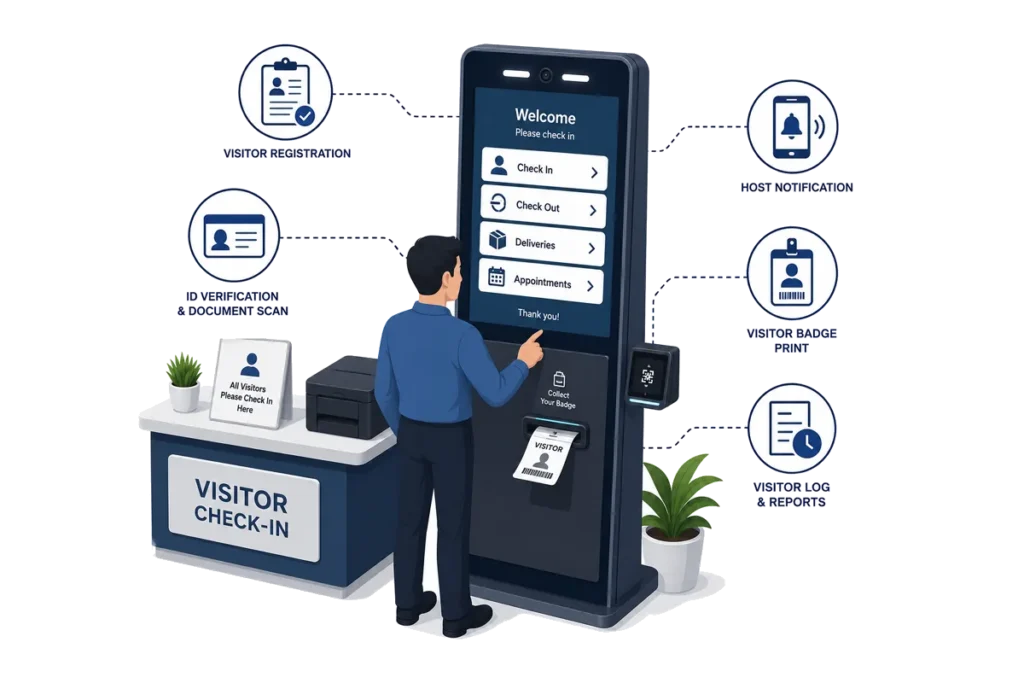
Visitors check in at a touchscreen kiosk without receptionist assistance. The kiosk captures name, contact details, purpose, host, company, and a live photograph — all in under 60 seconds. For pre-registered visitors, a QR code scan completes check-in in under five seconds. Deploy at lobbies, gate houses, or any entry point.
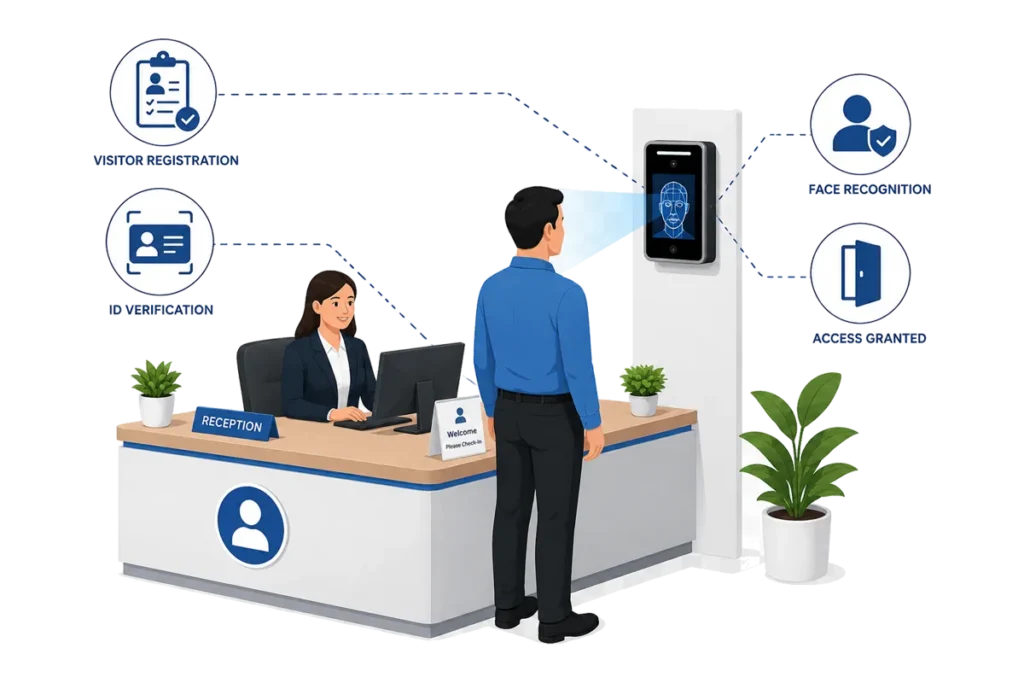
Once a visitor's face is captured at check-in, it becomes their access credential for the duration of their visit. Fortuna's face recognition devices installed at interior doors authenticate the visitor contactlessly — granting access only to authorised zones. No escort needed. No temporary cards to issue and collect. When the visit ends, facial access is revoked automatically.
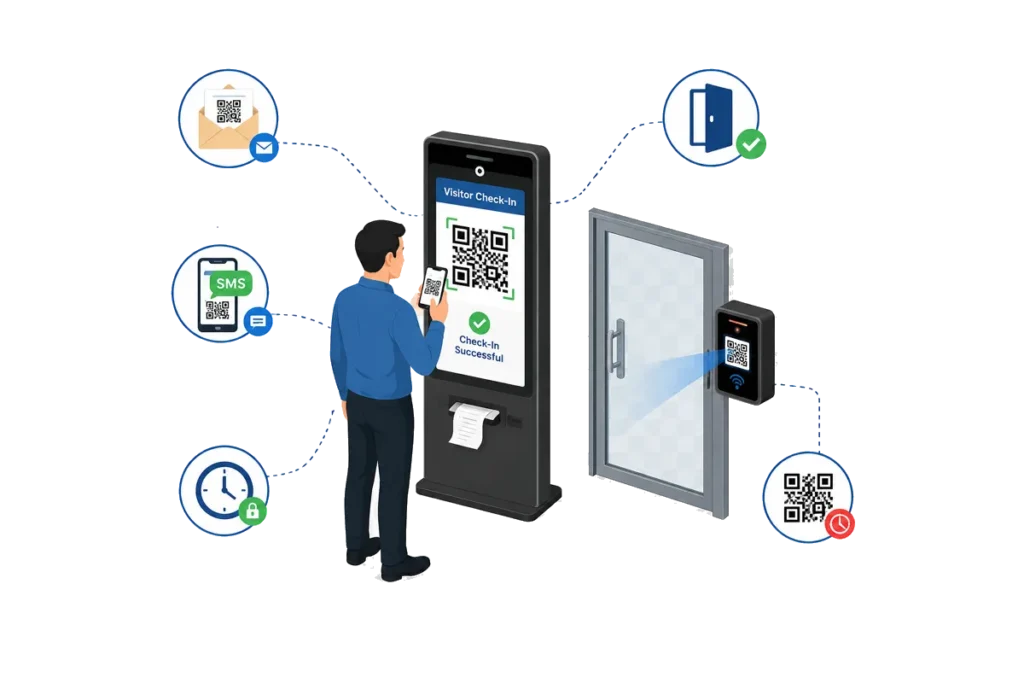
Pre-registered visitors receive a time-limited QR code via email or SMS before arrival. At the kiosk, they scan the QR code to complete check-in instantly. The same QR code grants access through doors equipped with Fortuna's QR code readers. The QR code expires automatically at the end of the scheduled visit window.
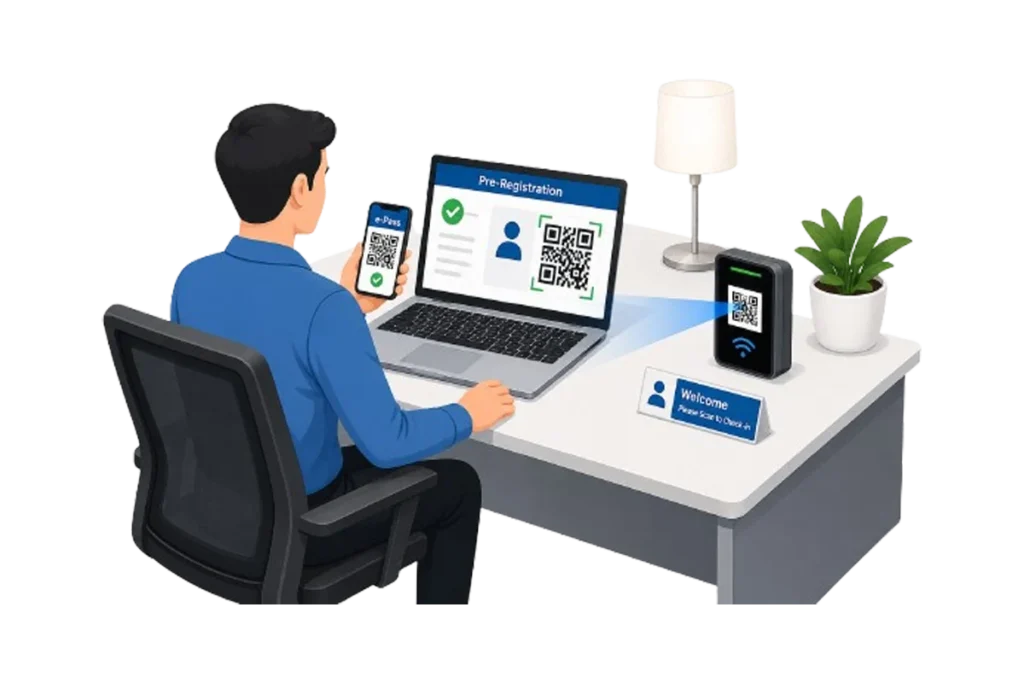
Hosts pre-register expected visitors through the Fortuna web dashboard or mobile app. The visitor receives a confirmation email or SMS with a QR code and visit details. On arrival, they skip the full check-in process — QR scan, identity verification, and badge printing happen in seconds. This is the feature that eliminates reception queues for organisations with high visitor volumes.
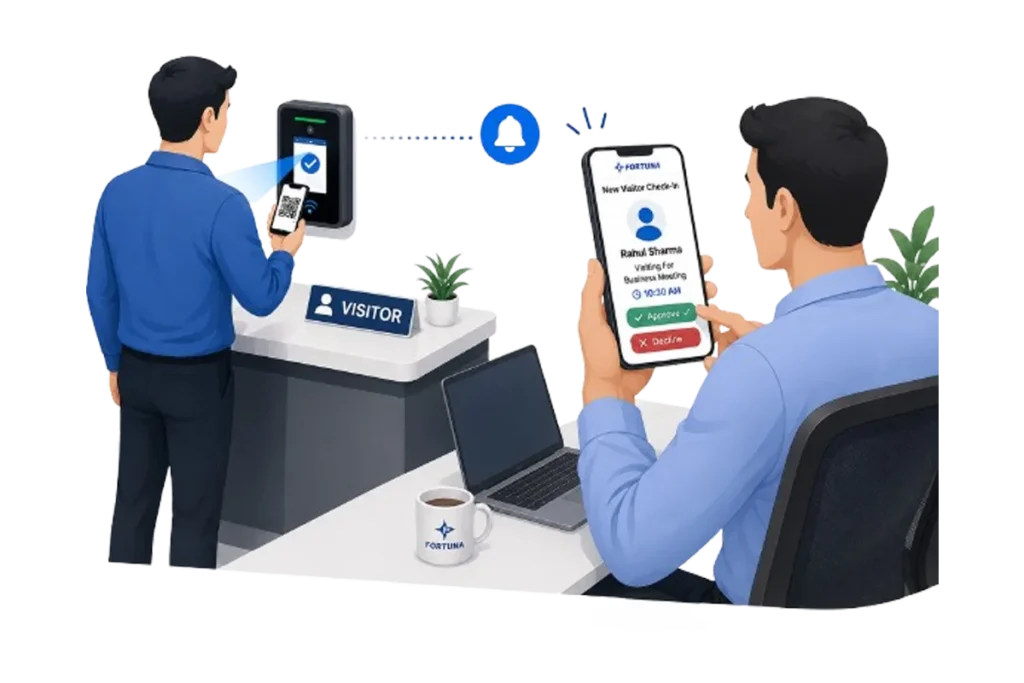
When a visitor checks in, the host employee receives a real-time notification via the Fortuna app, email, or SMS. The host approves, rejects, or delays the visit with a single tap. The visitor is not granted access until the host confirms. For high-security environments, multi-level approval chains can be configured — requiring sign-off from both the host and a security manager before entry is permitted.
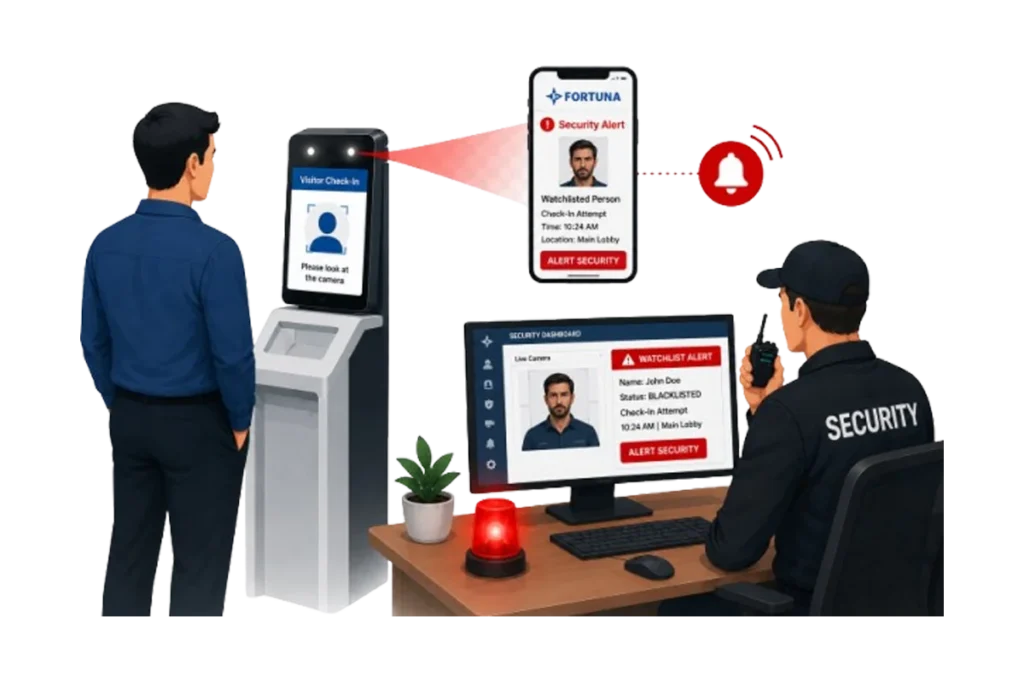
Flag individuals for enhanced screening, or blacklist individuals who should be denied entry entirely. When a watchlisted or blacklisted person attempts to check in, the system alerts security immediately — whether they provide their real identity or attempt to register under a different name. Face recognition cross-checks against the watchlist database during every check-in.
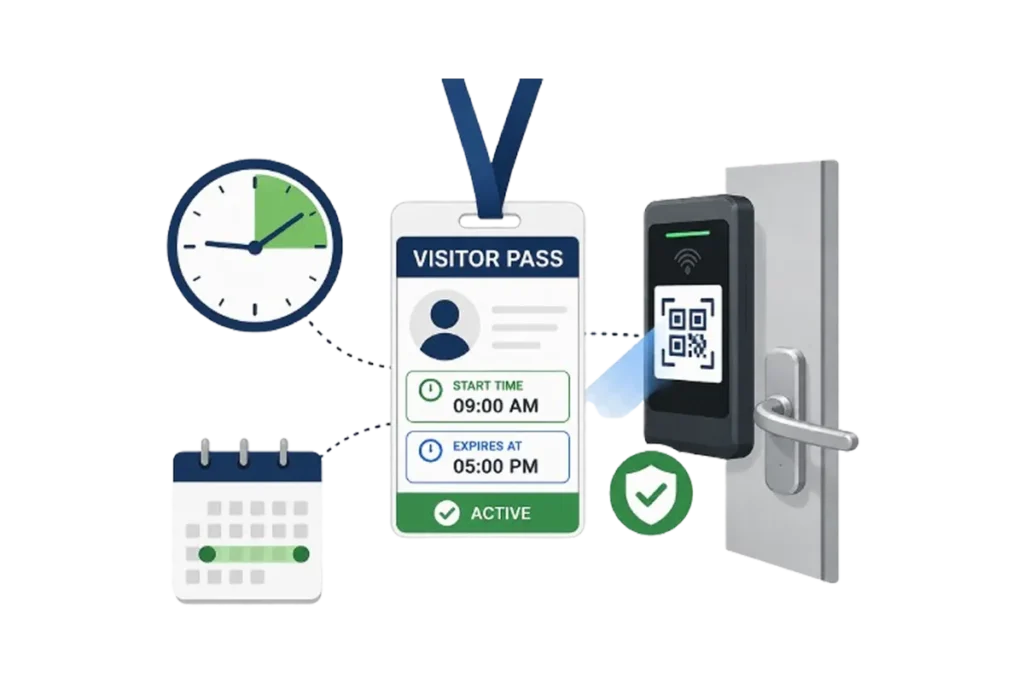
Every visitor pass has a defined start time and expiration. Access permissions are active only during the scheduled window. When the pass expires, the visitor's credentials — face, QR, or card — are automatically revoked across all doors. No admin intervention. No forgotten passes still active at midnight.
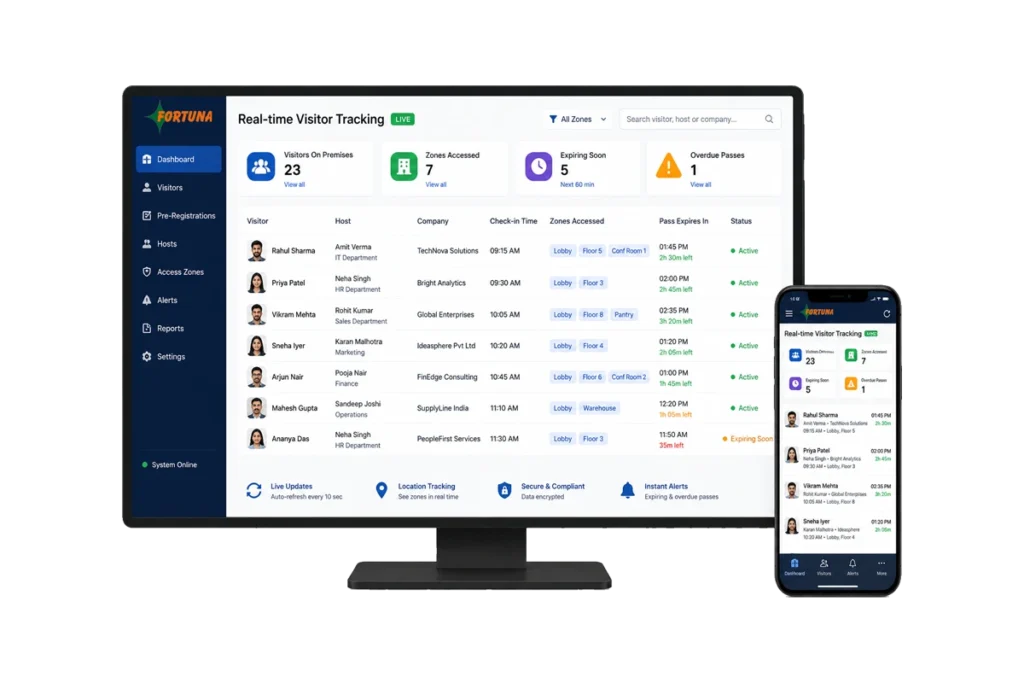
See every visitor currently on premises — their name, host, company, check-in time, zones accessed, and pass expiration — on a single live dashboard. Filter by location, date, host, or visitor type. Drill into any individual visit for a complete event log showing every door entry, every zone transition, and the exact check-out time.
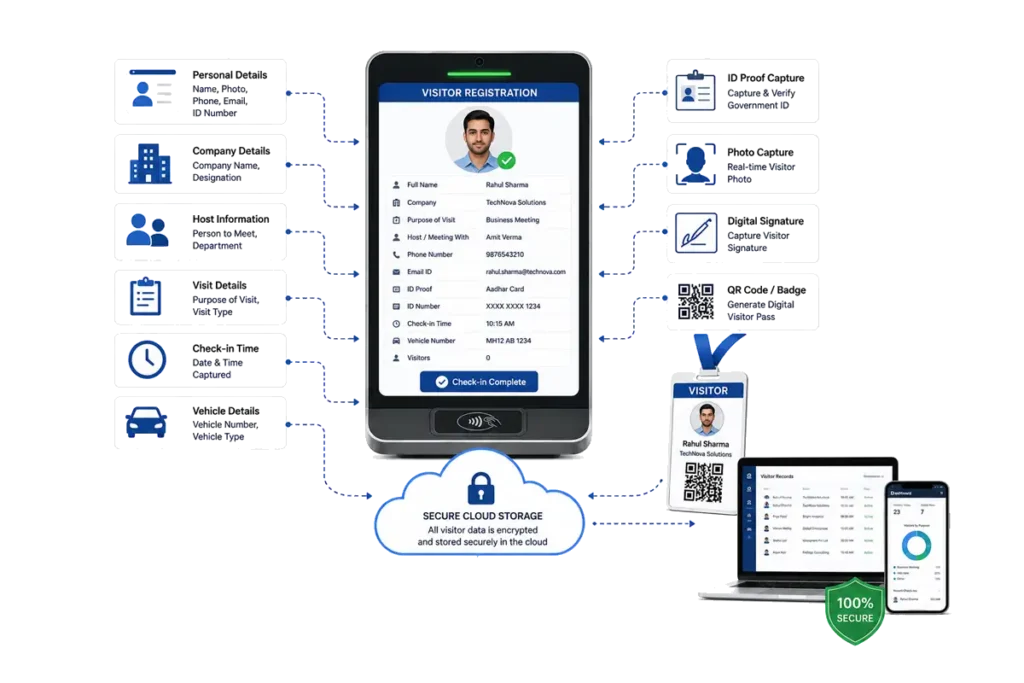
The system captures and stores visitor photographs, government ID details, contact information, purpose of visit, host employee, company affiliation, vehicle details, and any custom fields your organisation requires. All data is encrypted, stored securely in the cloud, and available for audit queries at any time.
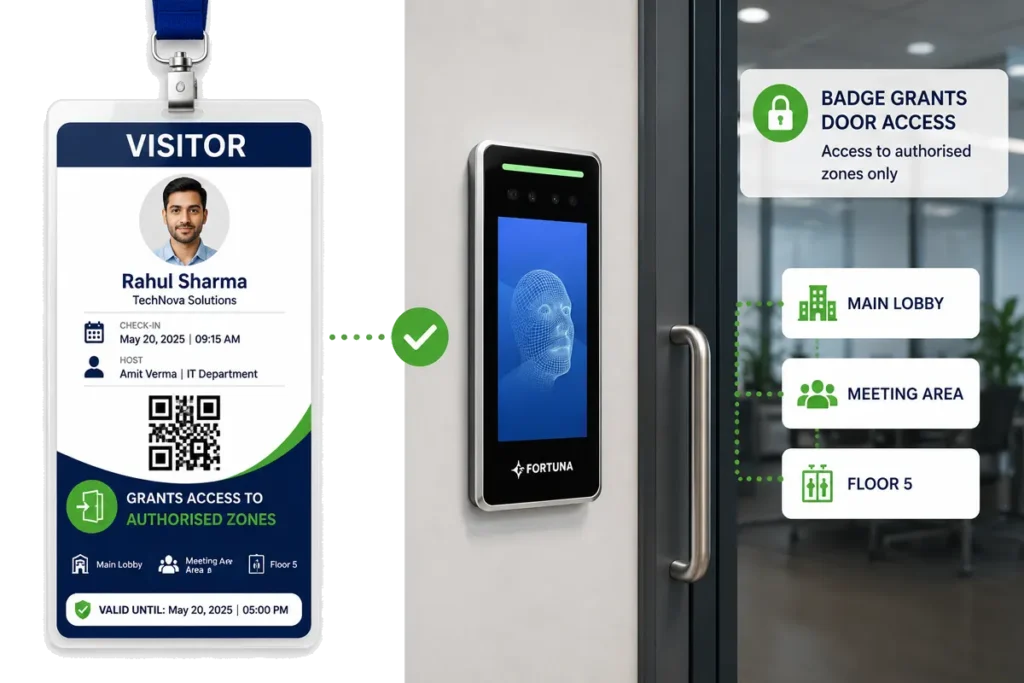
Print visitor badges on-site with the visitor's photograph, name, host, access zones, QR code, and pass expiration time. The badge serves as both visual identification and functional access credential — the QR code on the badge grants door access to authorised zones when scanned at Fortuna's QR readers.
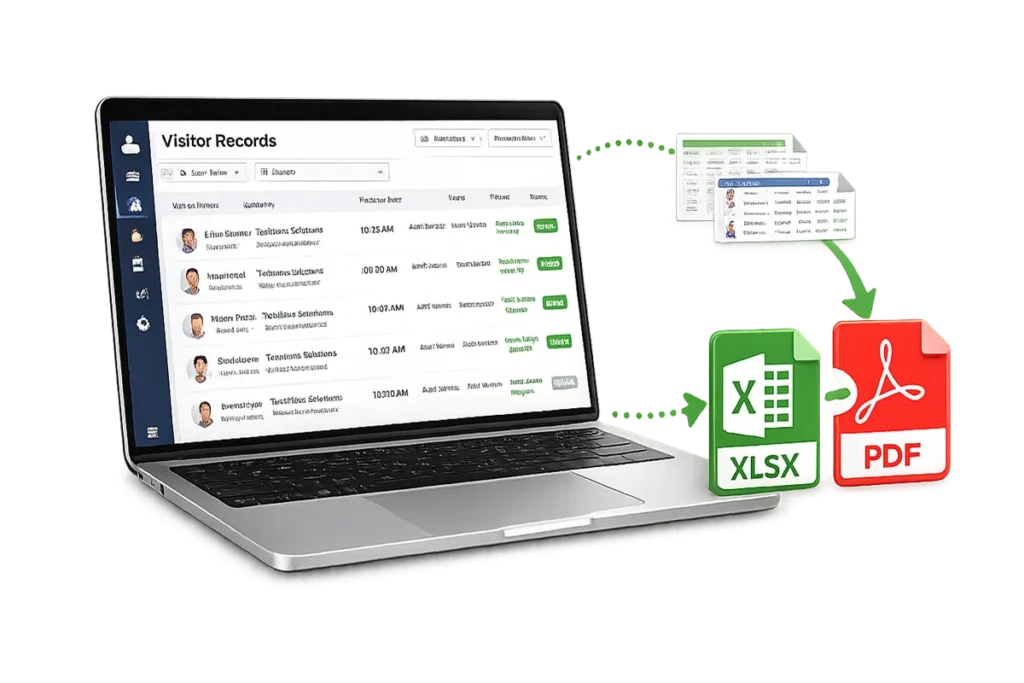
Export complete visitor logs in Excel or PDF for ISO 27001, GDPR, or internal compliance audits. Every visit, every access event, every host approval, and every denial is logged with a timestamp, visitor ID, and device location. Reports can be generated on demand or scheduled for automatic delivery.
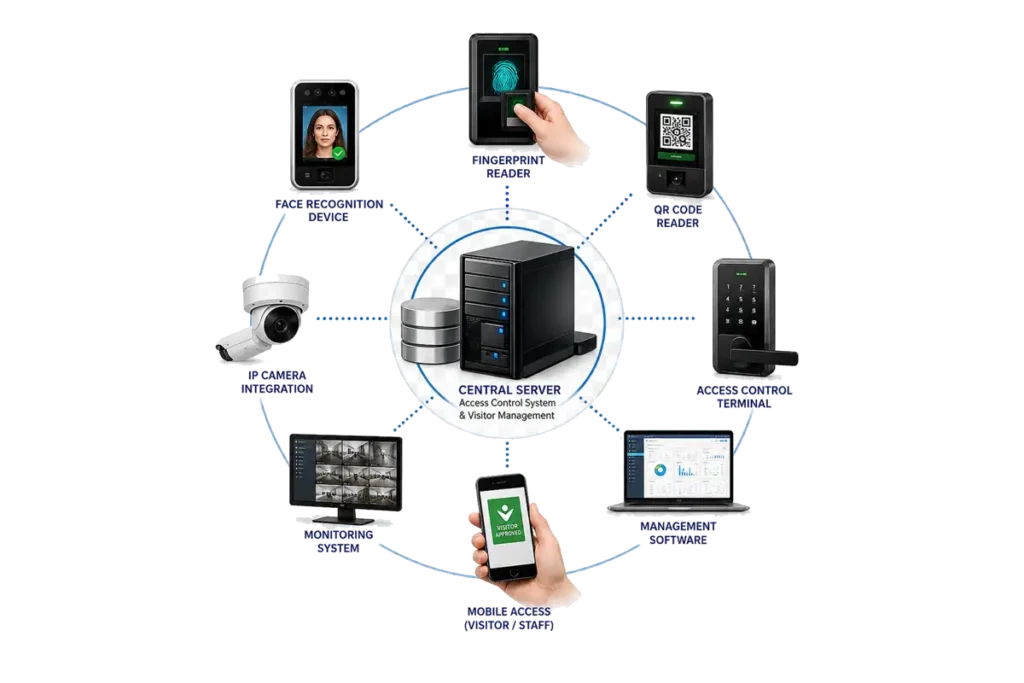
Fortuna's visitor management system connects directly to Fortuna's access control system — visitor credentials (face, QR, or card) are pushed to door controllers automatically at check-in and revoked at check-out or pass expiry. No separate door management. No manual credential provisioning. One platform controls both employee and visitor access. Third-party door controller integration is supported via REST API.
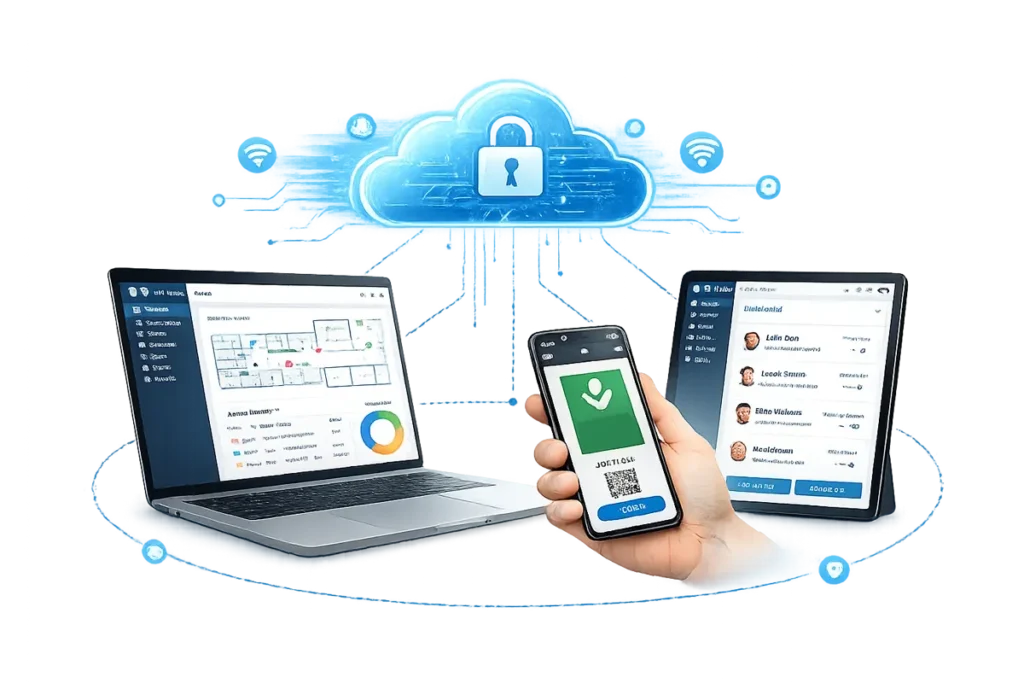
Manage visitor operations from any browser or mobile device. Hosts pre-register visitors, approve entries, and review visit logs from the web dashboard or the Fortuna app. Security managers monitor real-time visitor status across all locations remotely. No on-premise server required for cloud deployments.
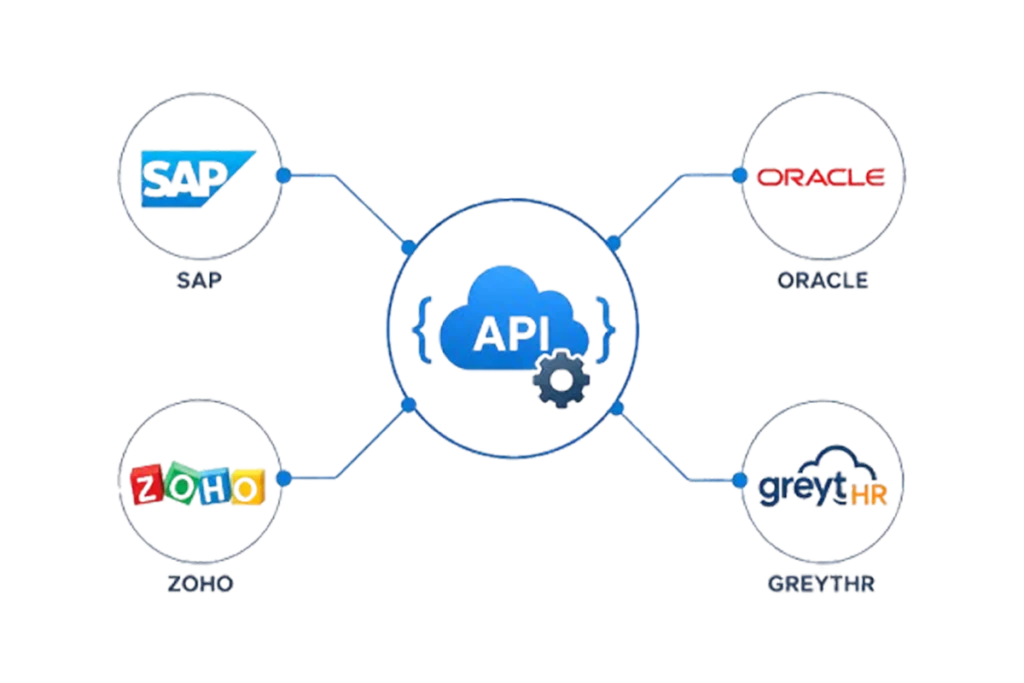
Fortuna's visitor management system exposes a REST API — enabling integration with building management systems (BMS), CCTV platforms, HRMS software, and custom applications. Pre-built connectors are available for SAP, Oracle, Zoho, and greytHR so that host employee data stays in sync automatically.
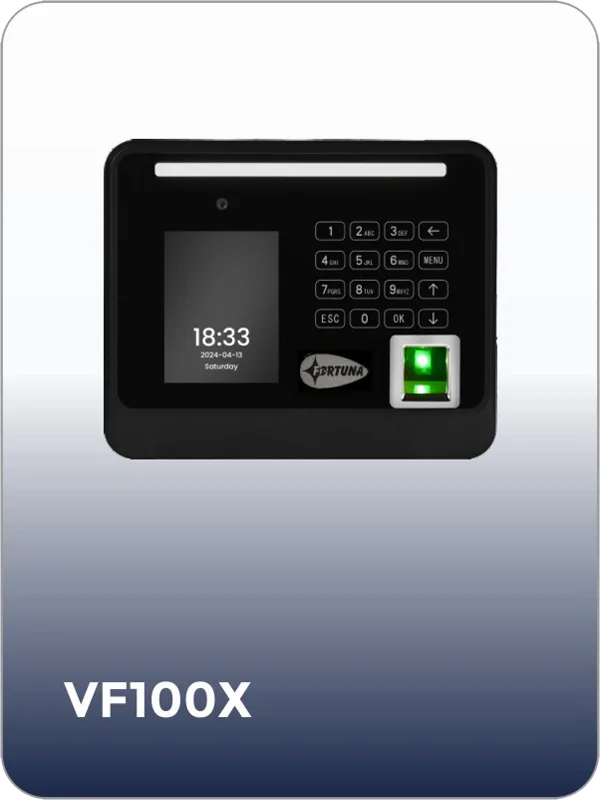
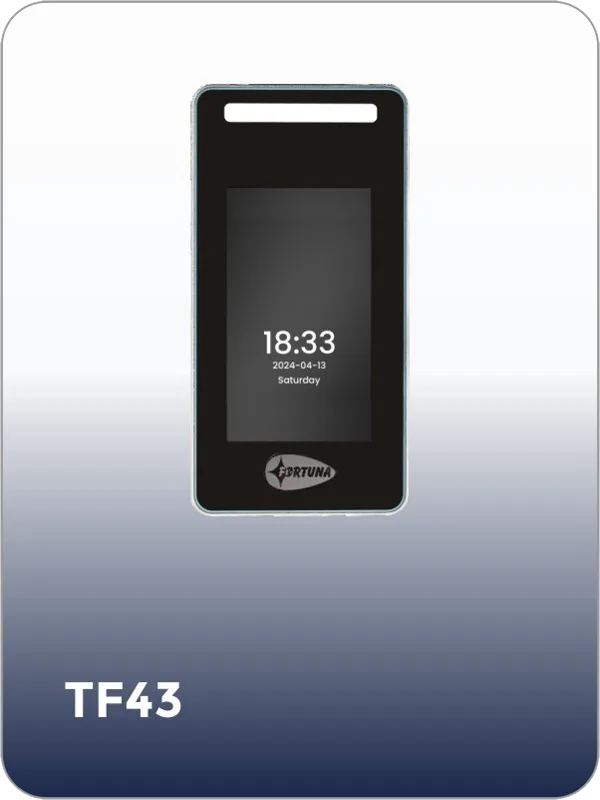
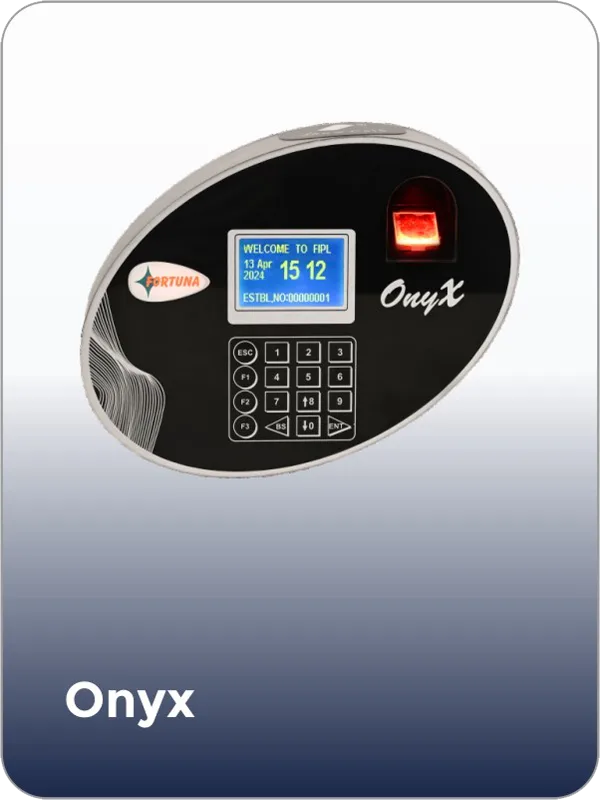
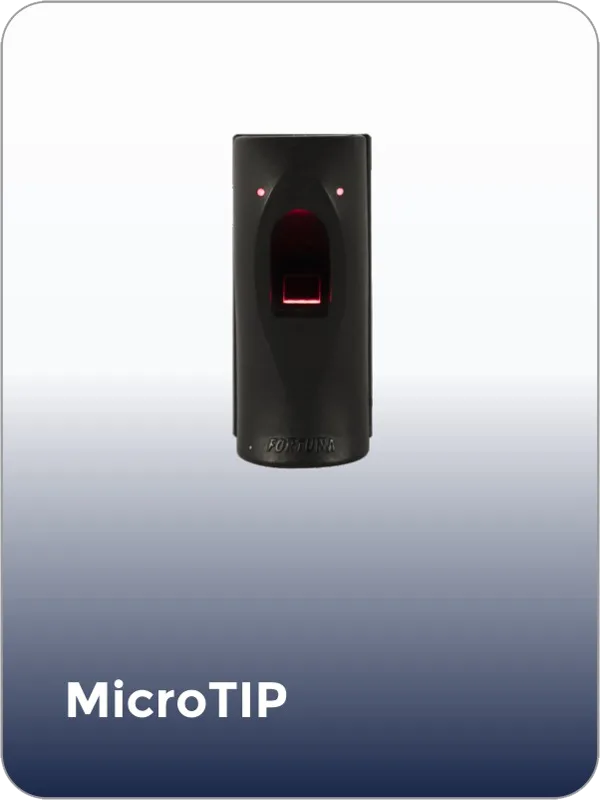
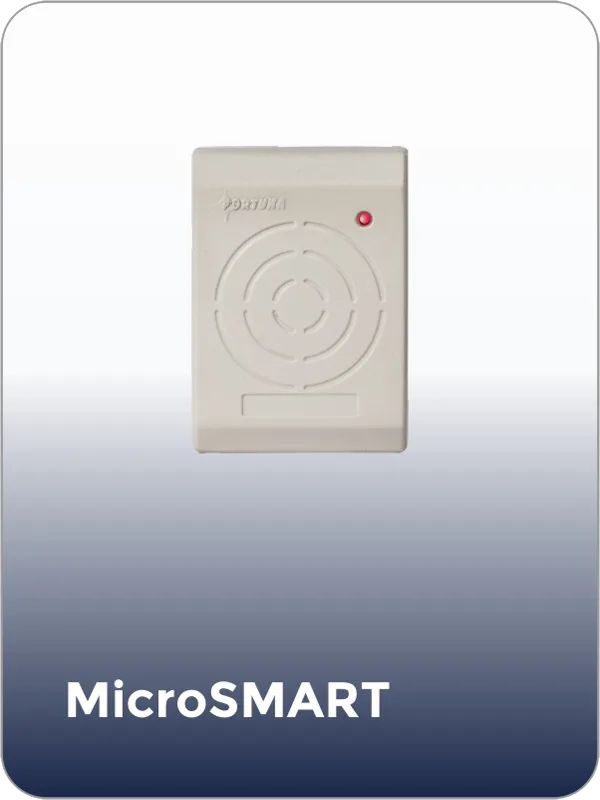
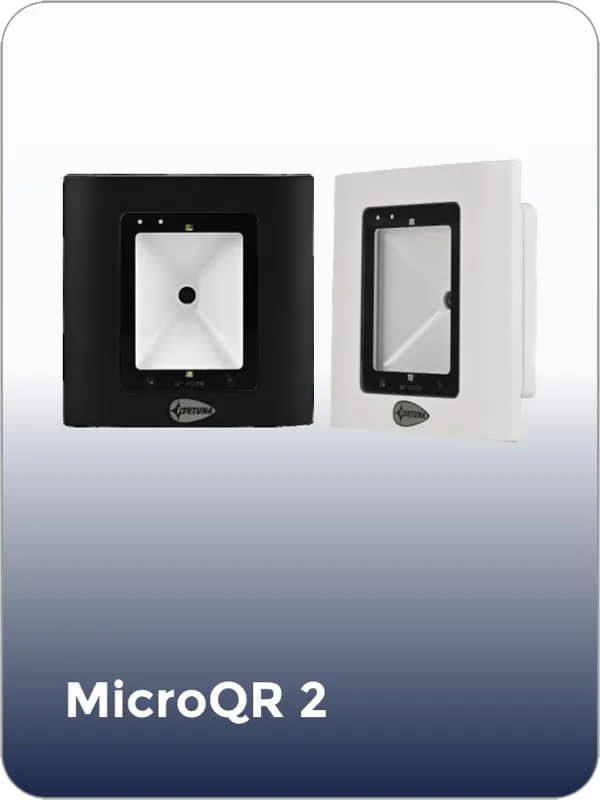
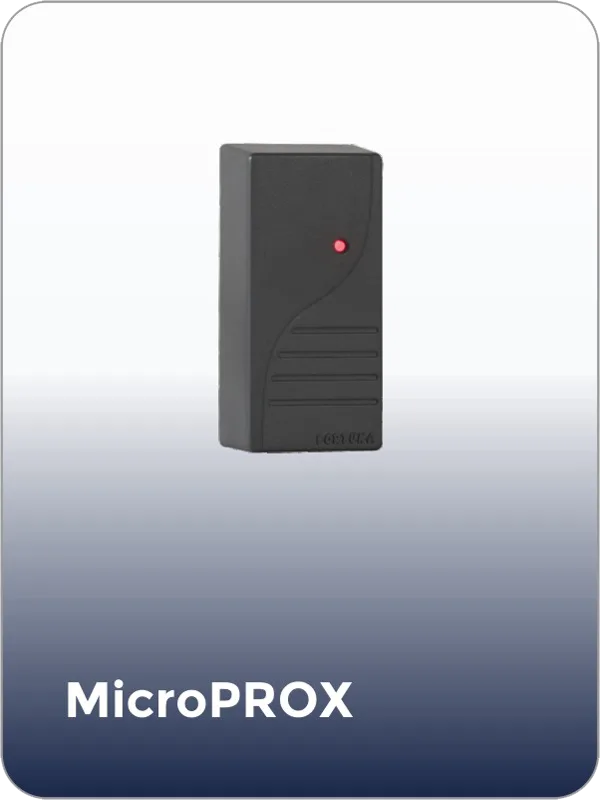
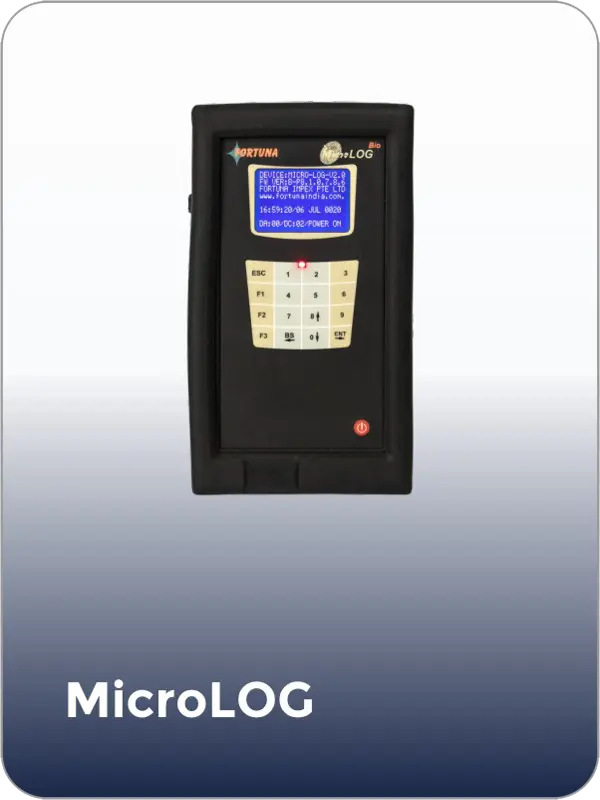
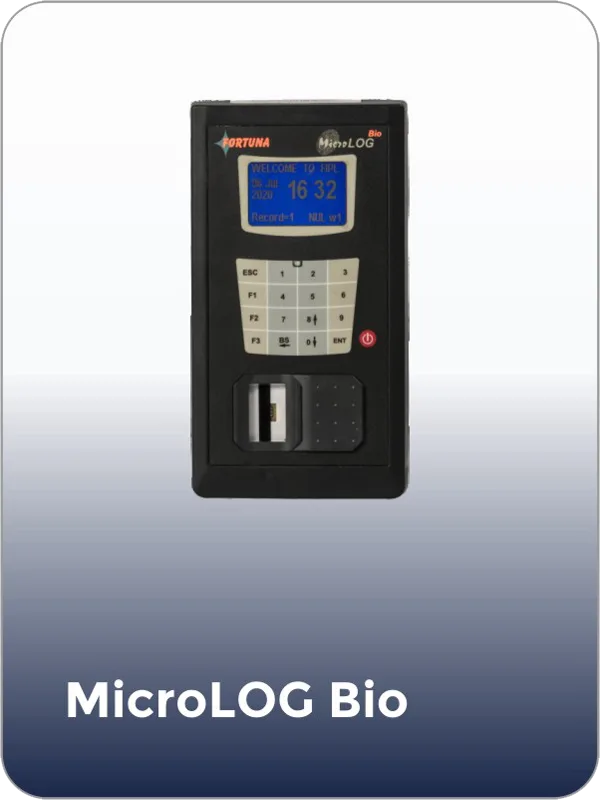
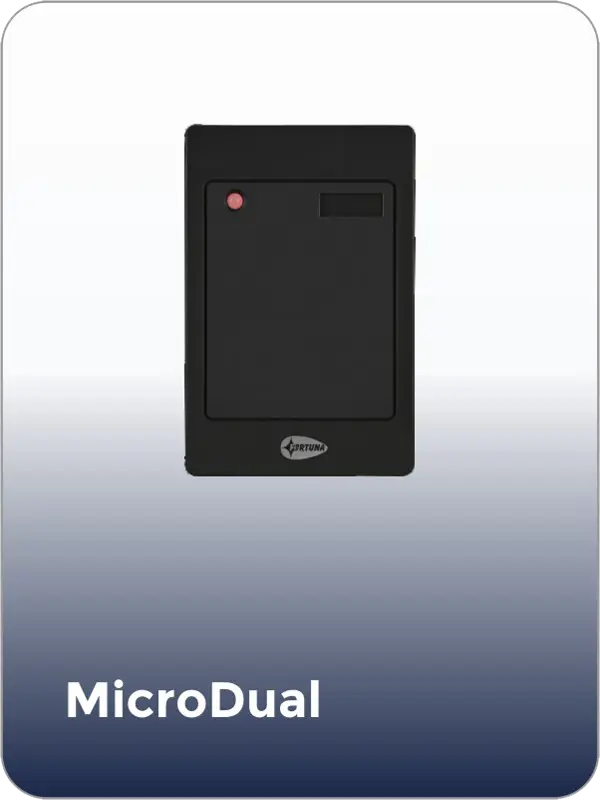
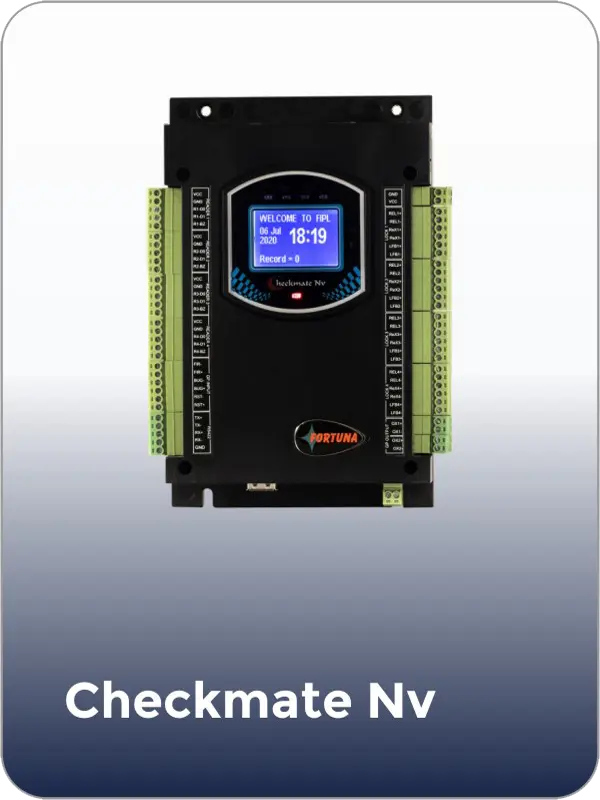
Compatible devices
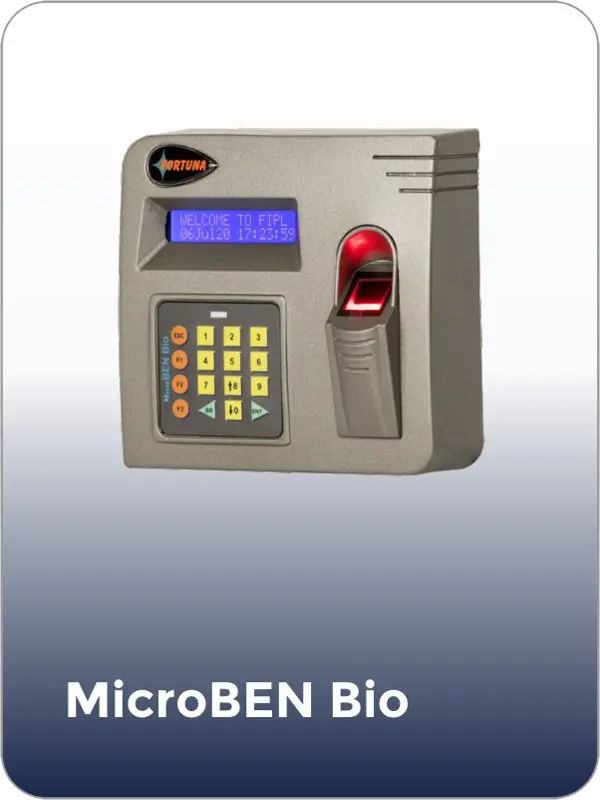
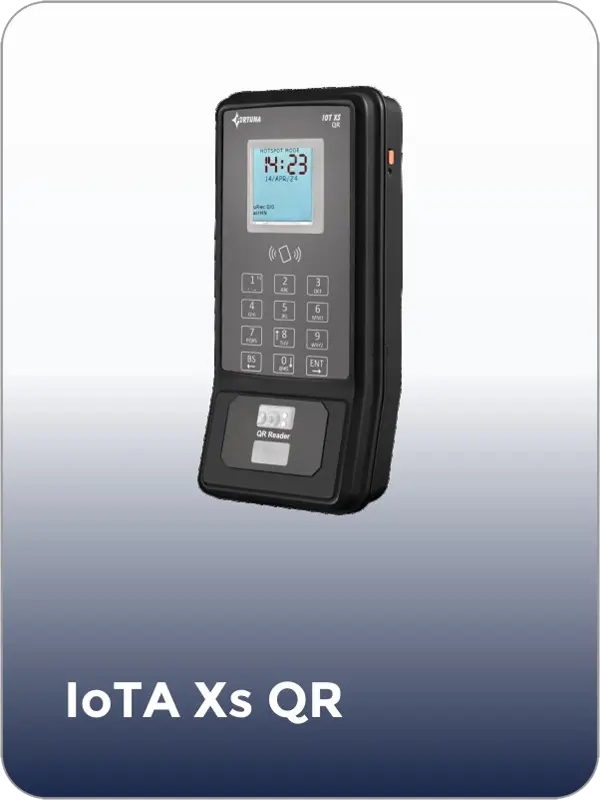
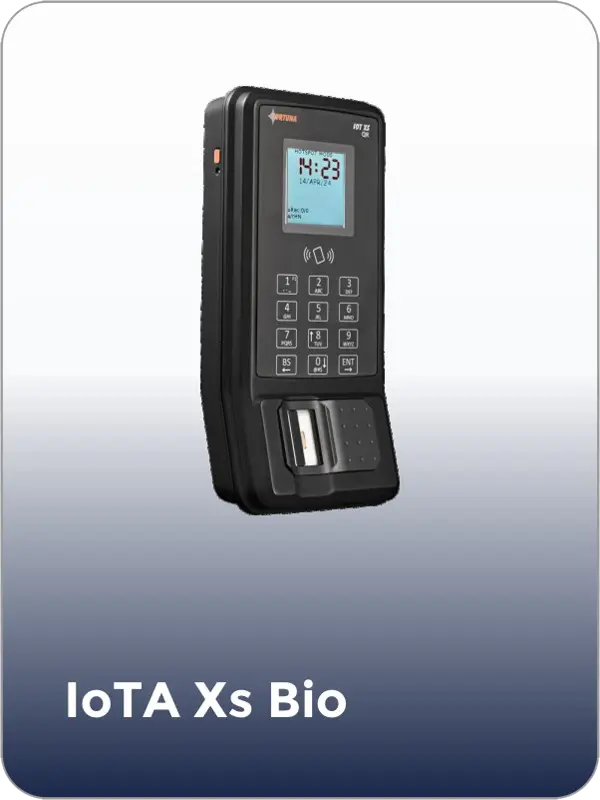
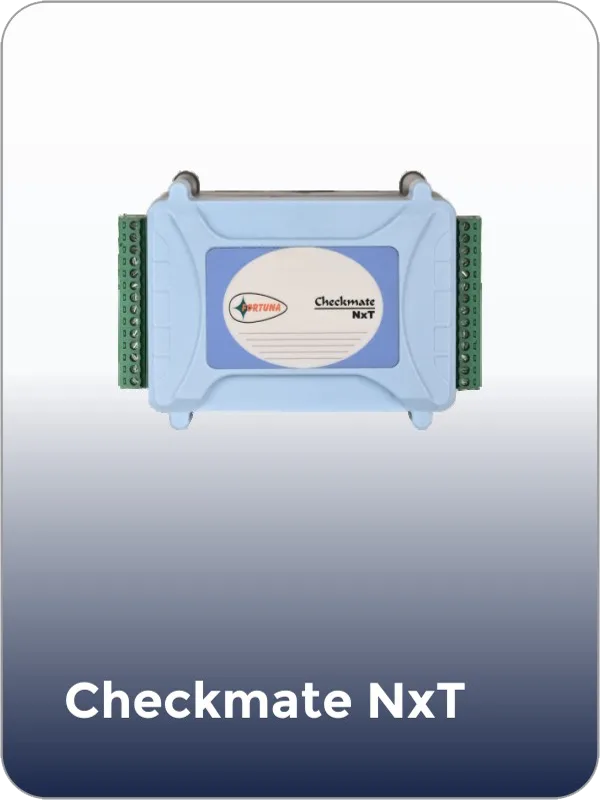
Book a 20-minute walkthrough. We will show you the full visitor journey — pre-registration, kiosk check-in, host notification, access control integration, and automatic check-out — configured for your specific facility.
Or call us: +91 7550 670 670
The visitor cycle
Five steps from pre-registration to automatic check-out — fully automated, no manual input at any stage.
The host pre-registers the visitor through the Fortuna dashboard or mobile app — entering their name, email, company, purpose, and scheduled visit window. The visitor receives a QR code via email or SMS. Walk-in visitors skip this step and go directly to the kiosk.
Pre-registered visitors scan their QR code for instant check-in in under five seconds. Walk-in visitors enter their details on the touchscreen and have their photo captured. The system records name, photo, ID, host, company, purpose, and vehicle details.
The host receives an instant notification via app, email, or SMS — with the visitor's name, photo, and purpose. The host approves or rejects with a single tap. Multi-level approval chains can be configured for high-security environments.
A visitor badge is printed with the visitor's photo, QR code, access zones, and expiration time. Simultaneously, the visitor's credentials — face and/or QR — are pushed to door controllers. The visitor proceeds without needing an escort.
When the visitor checks out — or their pass expires — all credentials are revoked across every door instantly. The complete visit record (entry, exit, doors accessed, host, duration) is logged permanently in the cloud for audit and compliance purposes.
Industry coverage
Fortuna’s visitor management system is deployed across industries with fundamentally different visitor types, security requirements, and compliance obligations. The platform is the same. The configuration, workflows, and authentication modes adapt to each environment.

Manage client meetings, vendor visits, interview candidates, and delivery personnel from a single platform. Pre-registration ensures expected visitors skip the queue. Host approval workflows route notifications to the right employee.
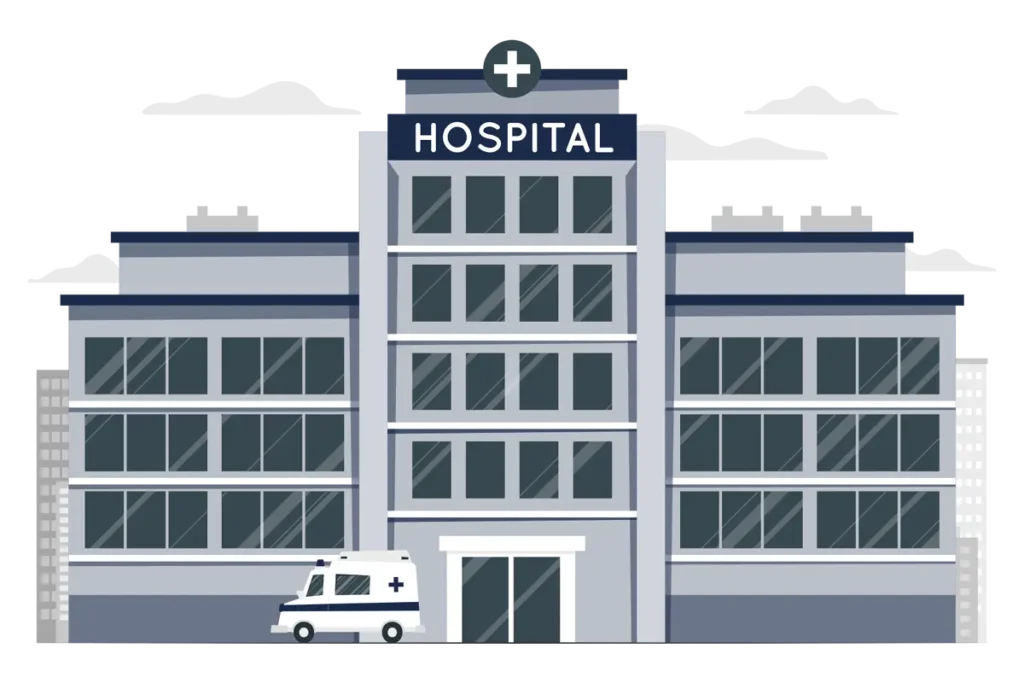
Control patient visitor flow, restrict access to ICUs and operation theatres, and enforce visiting hours automatically. Contactless face recognition eliminates hygiene risks at check-in. Visitor passes expire at the end of scheduled visiting windows.

Track contractor visitors, vendor inspections, and safety auditors with full identity verification and zone-specific access. Integration with contract labour management ensures unified security policy. Safety induction acknowledgments can be captured at the kiosk before access is granted.

Protect students by verifying every parent, guardian, vendor, and external visitor before they enter campus. Parent pick-up workflows can require face recognition match before a student is released. Visitor access is limited to administrative areas — student zones remain locked to non-authorised visitors.

High-security facilities require multi-level approval, government ID verification, watchlist screening, and complete audit trails for every visitor. Fortuna's system supports all of these with encrypted data storage, exportable compliance reports, and integration with external security databases.

Day-pass visitors, event attendees, and temporary tenants receive time-limited QR credentials that grant access only to their designated areas. The system handles high-volume single-day events as easily as daily recurring visitor traffic.
Hardware compatibility
Fortuna designs, manufactures, and deploys every hardware component of the visitor management system — from the touchscreen kiosks at reception to the face recognition panels at interior doors to the QR readers at gate entries. Because hardware and software come from the same company, visitor credentials sync to every door in real time, with zero compatibility issues and a single support contact for everything.

Self-service check-in with touchscreen, camera & badge printer
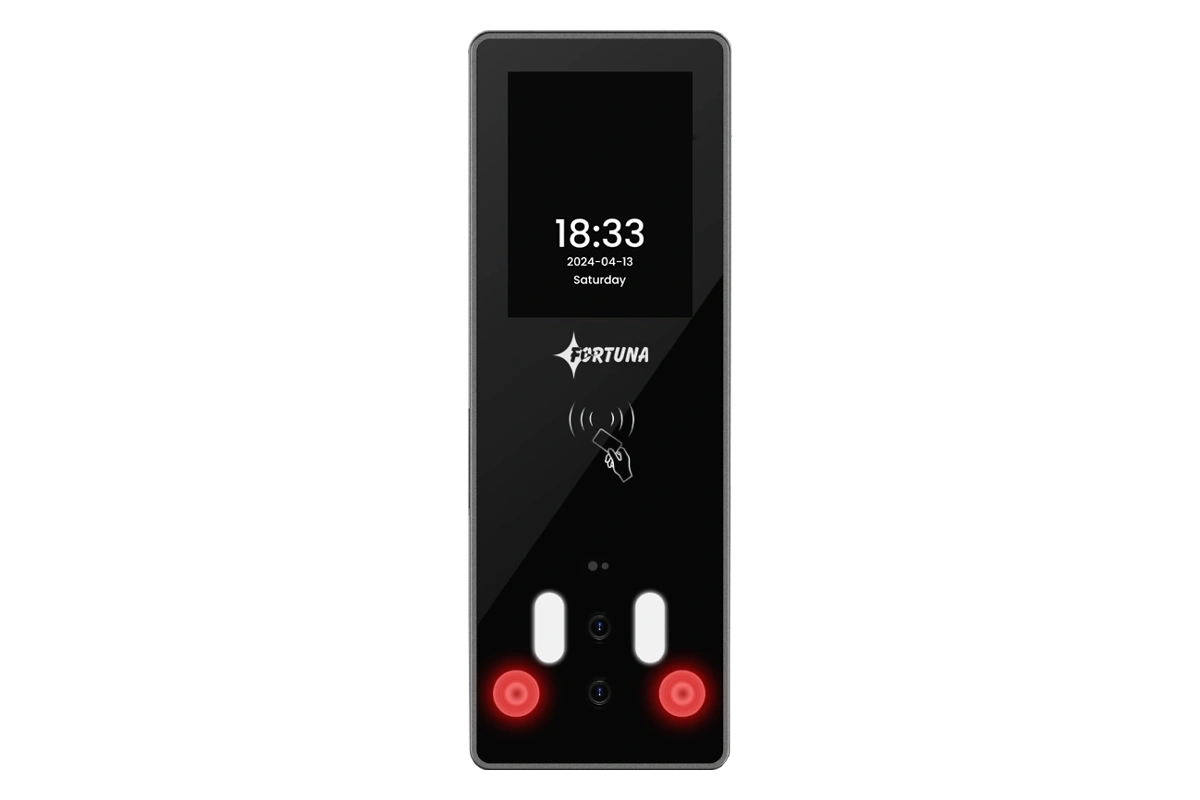

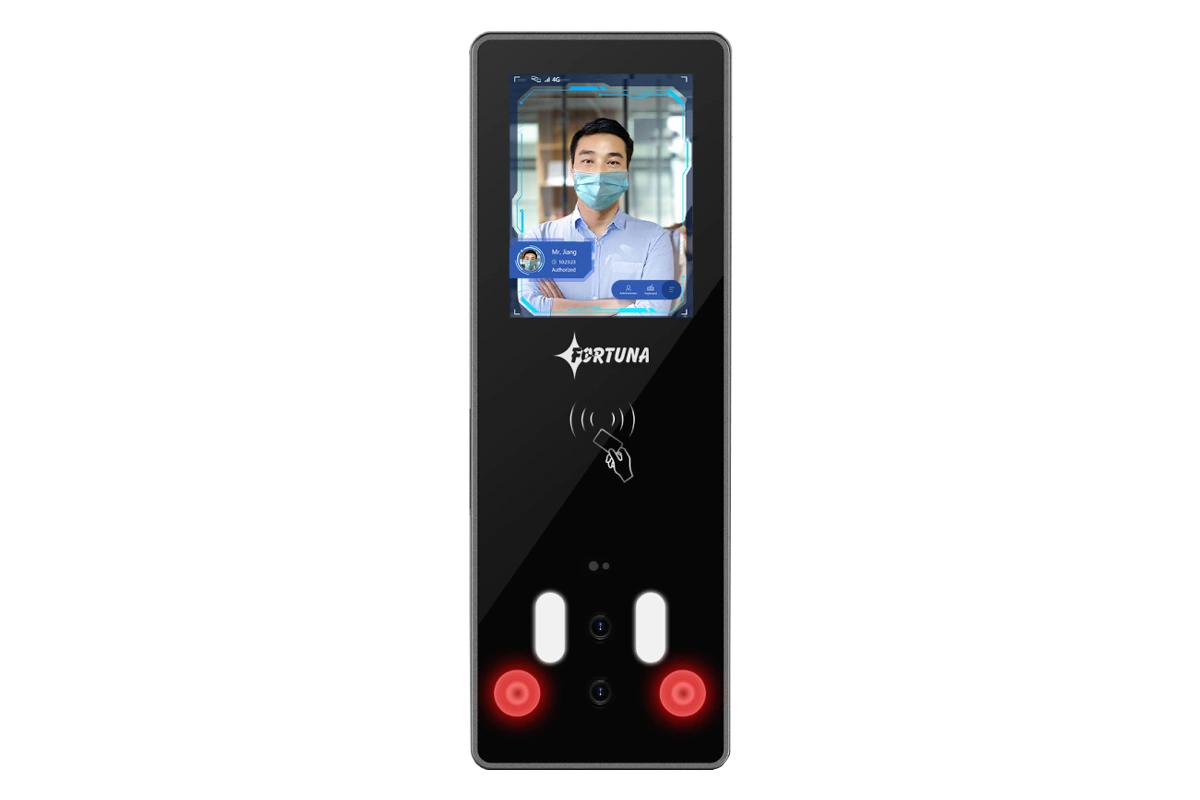
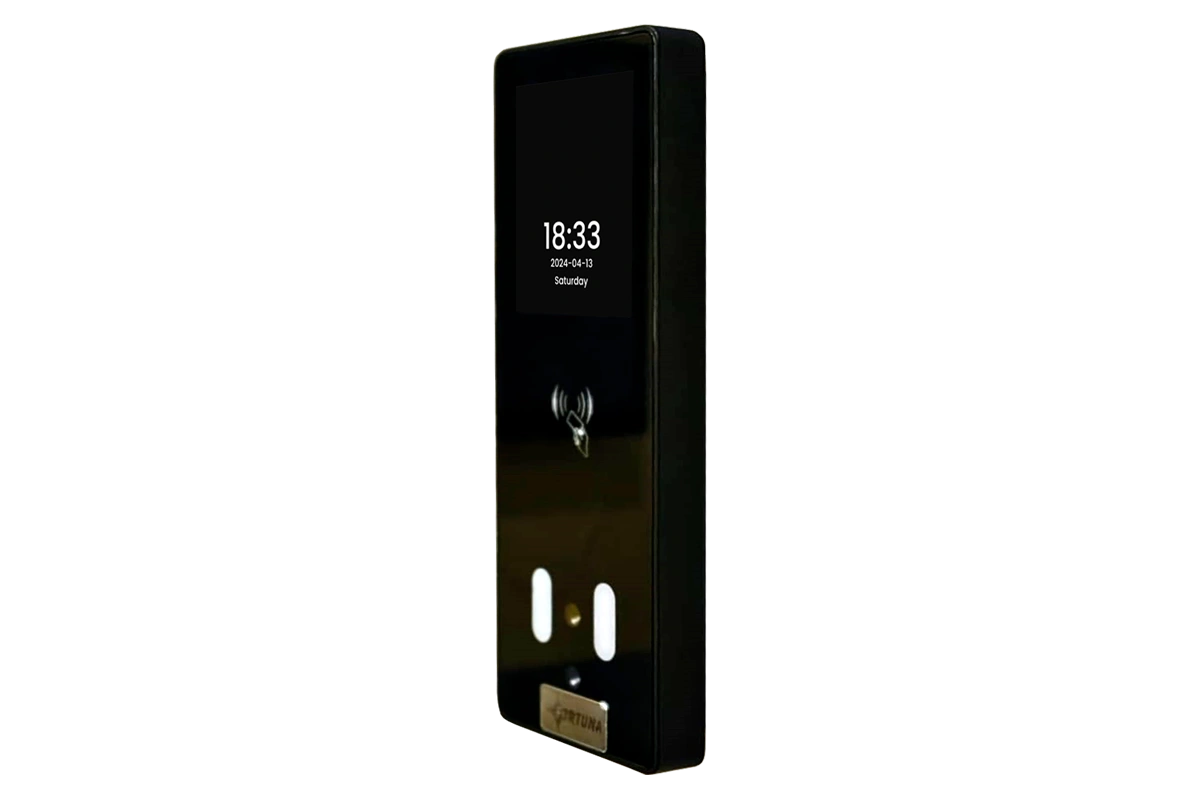
Face recognition reader — indoor, anti-passback
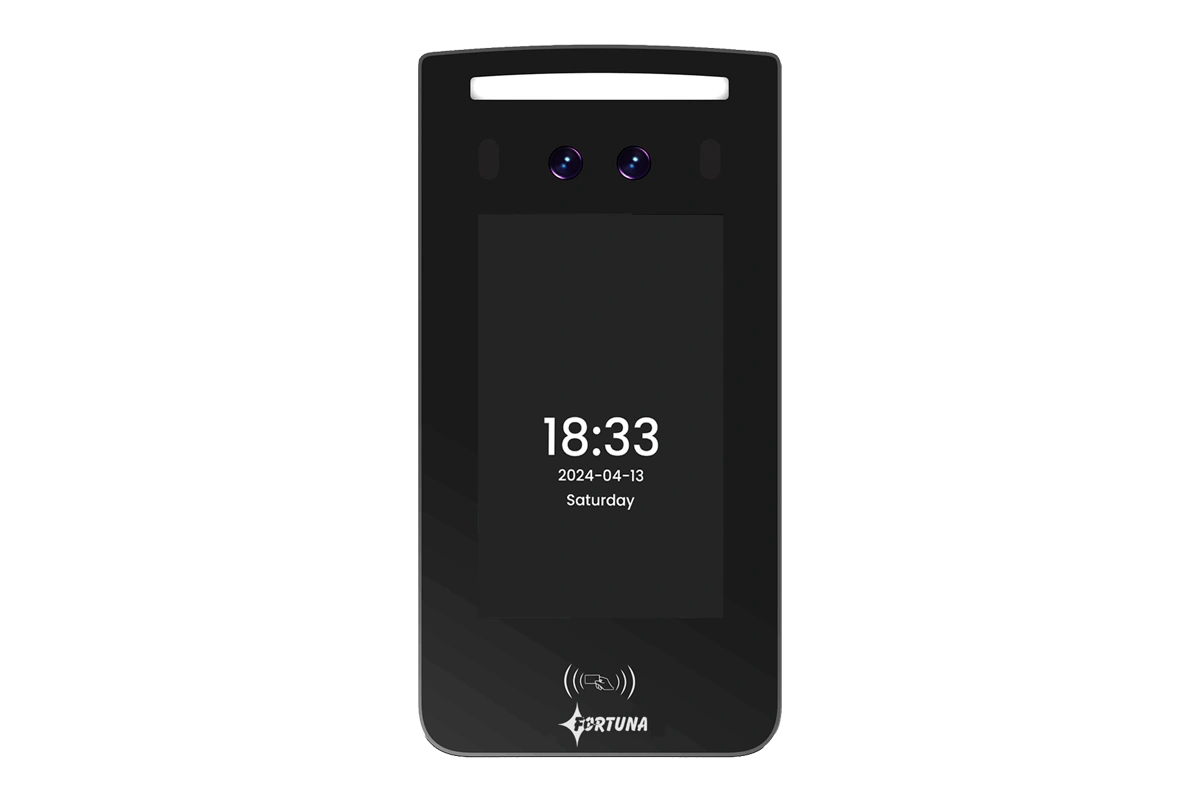
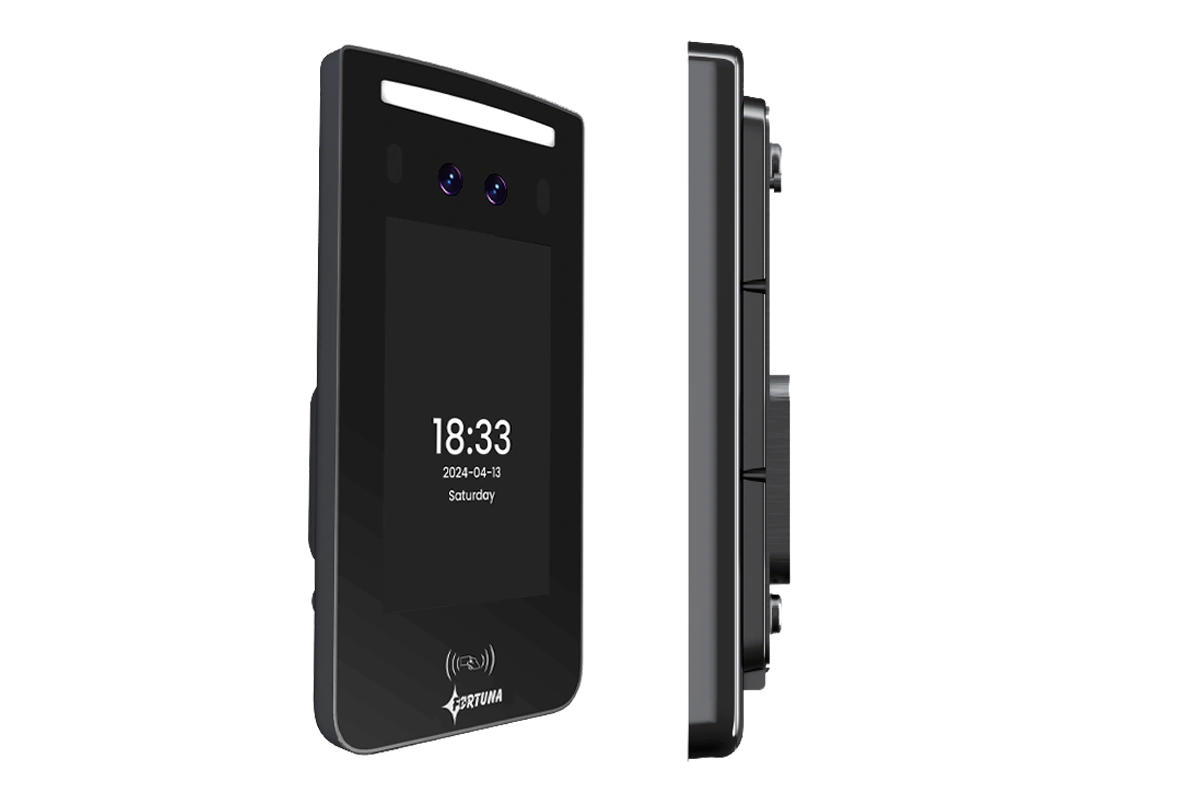
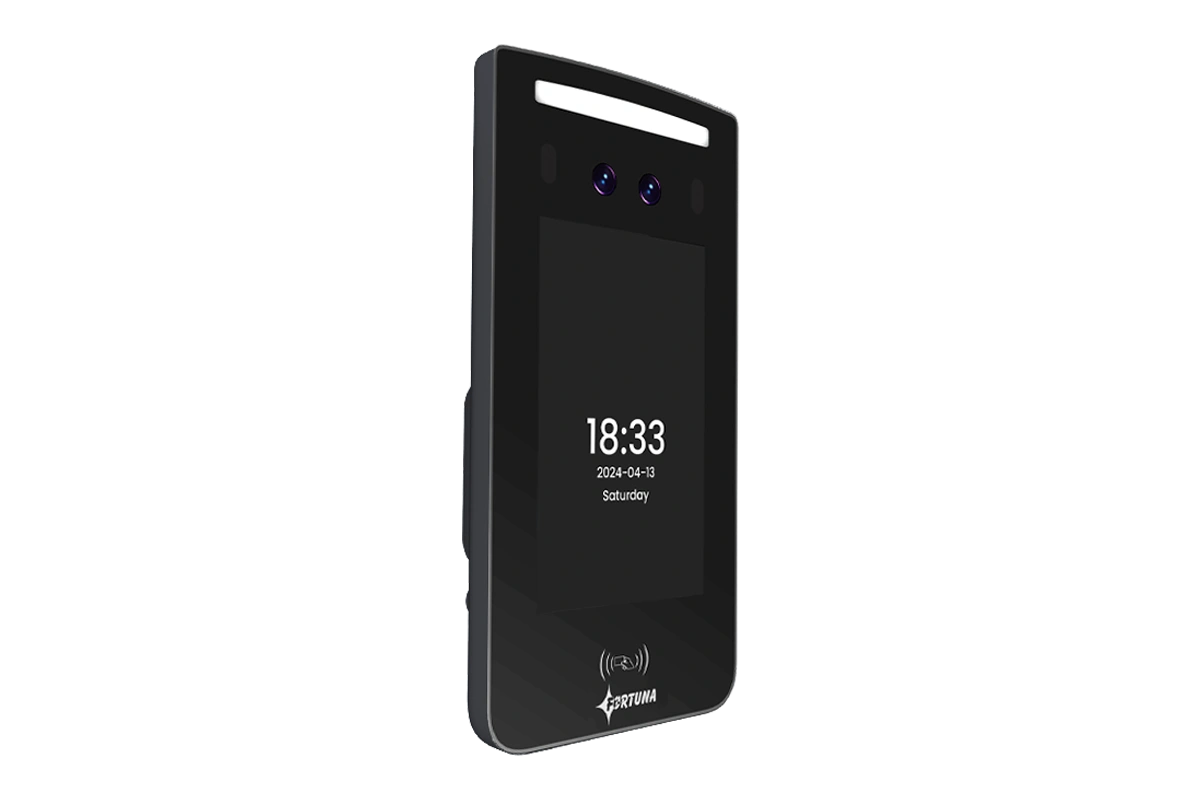
Face recognition reader — high-speed, indoor
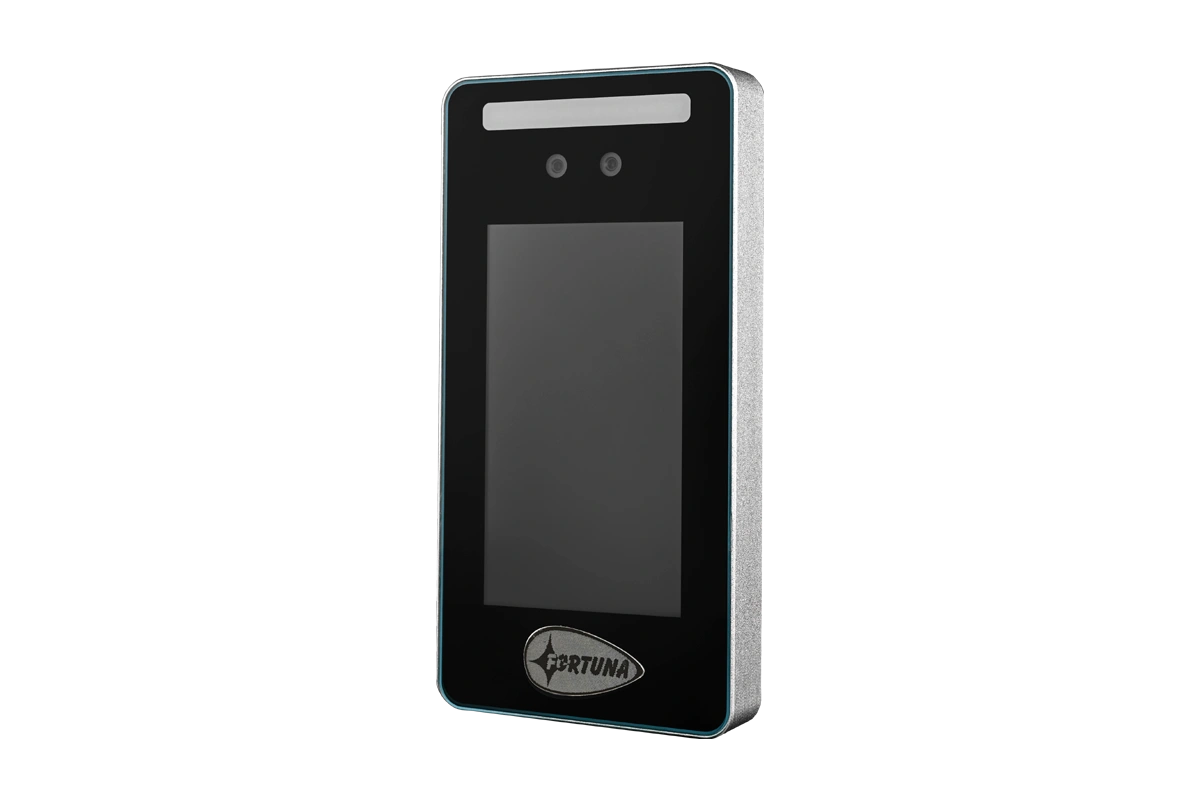
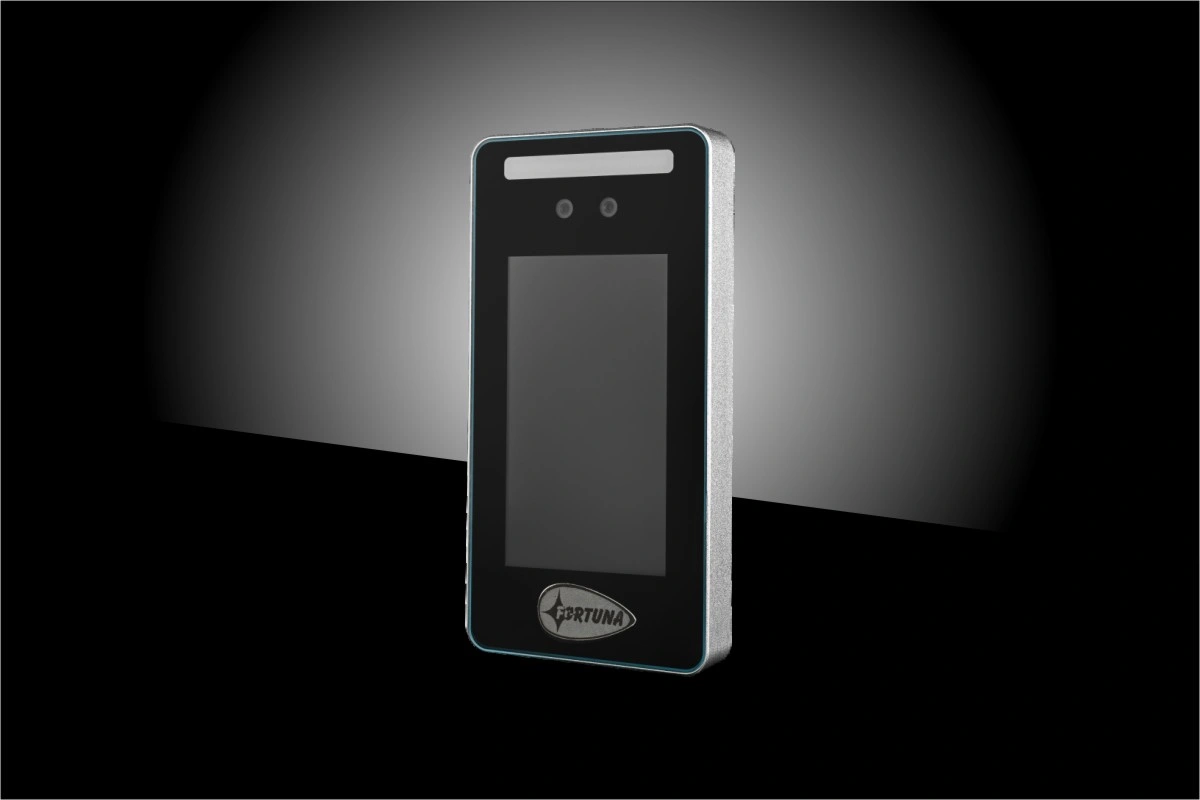
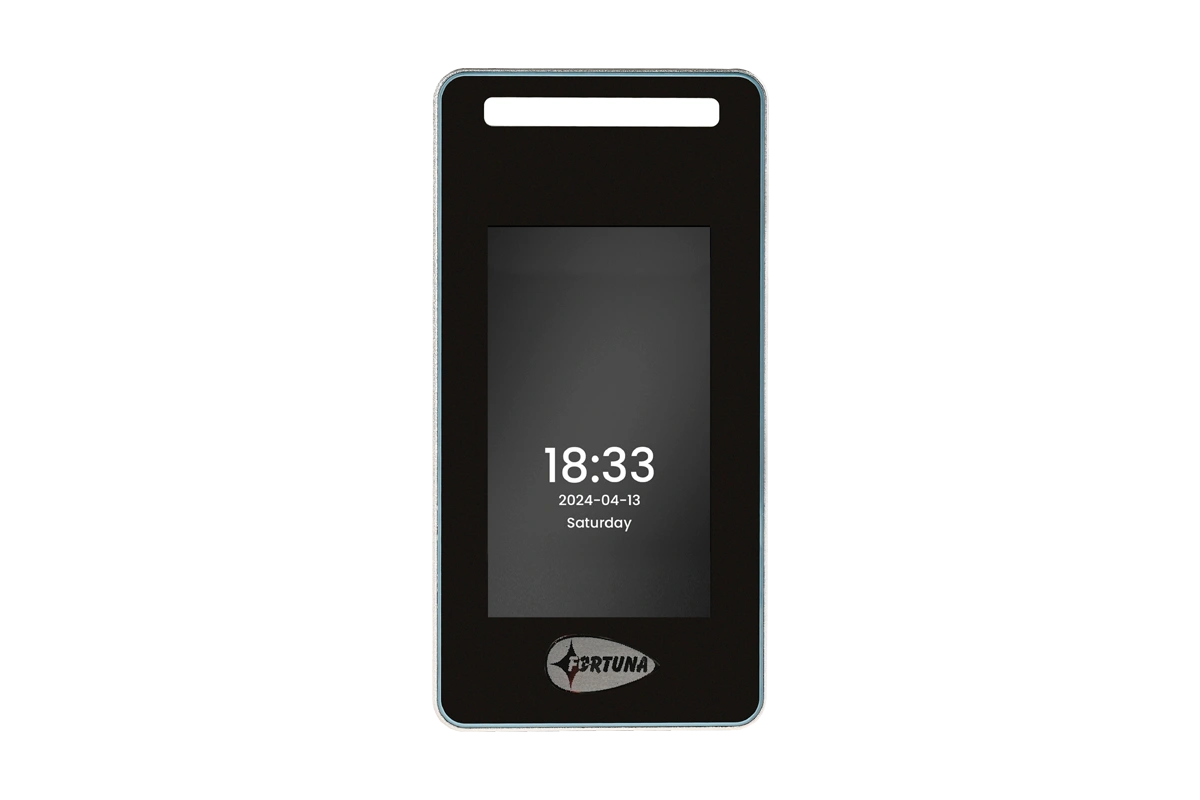
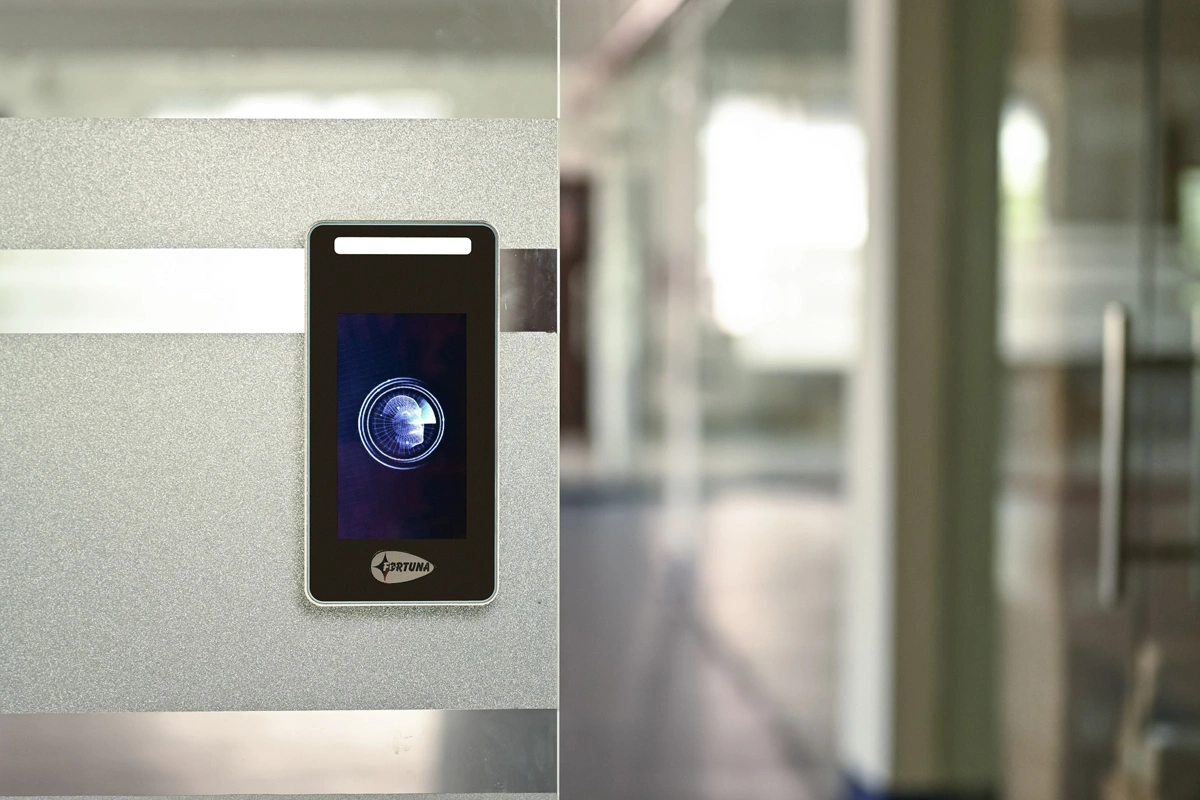
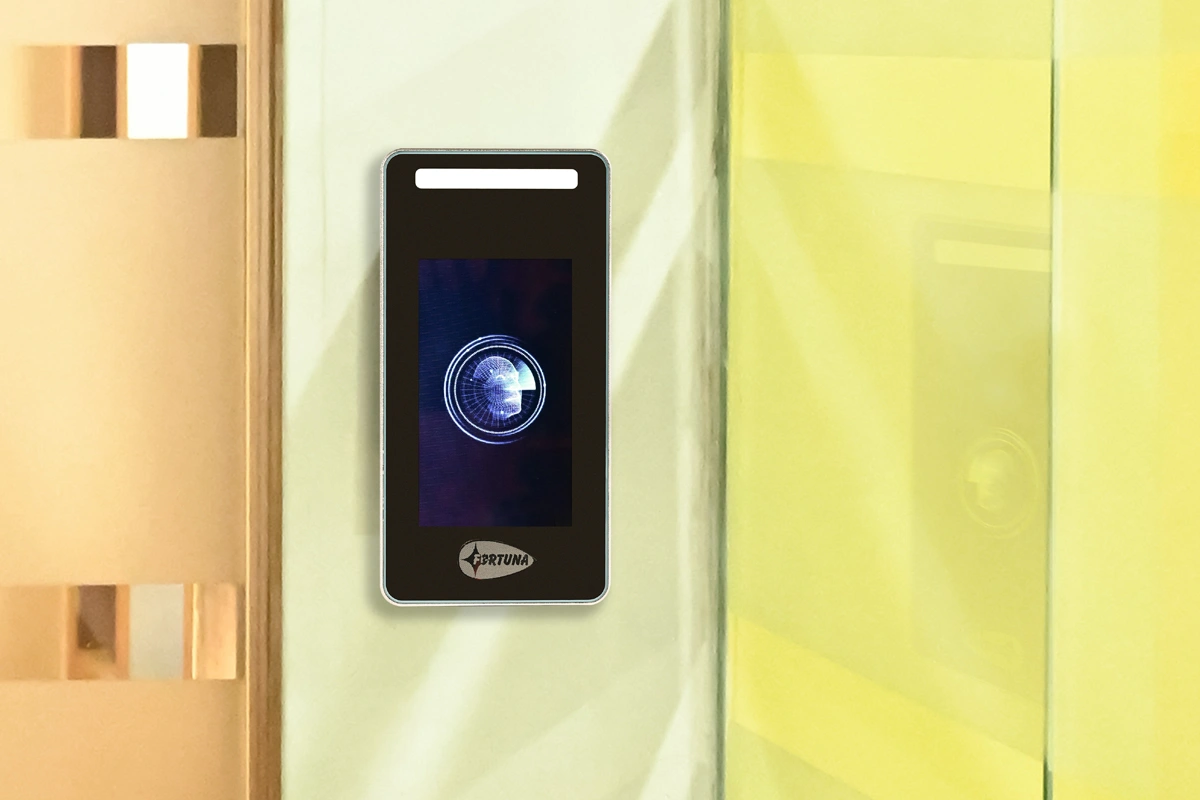
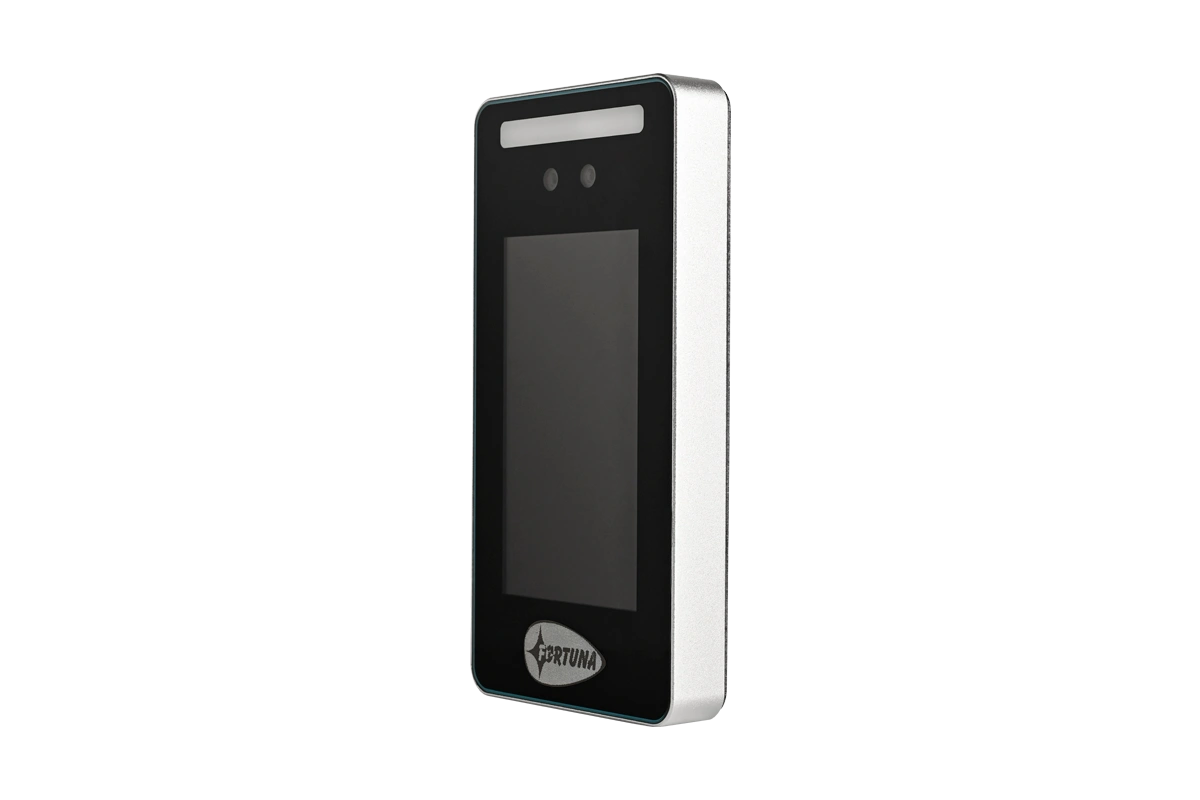
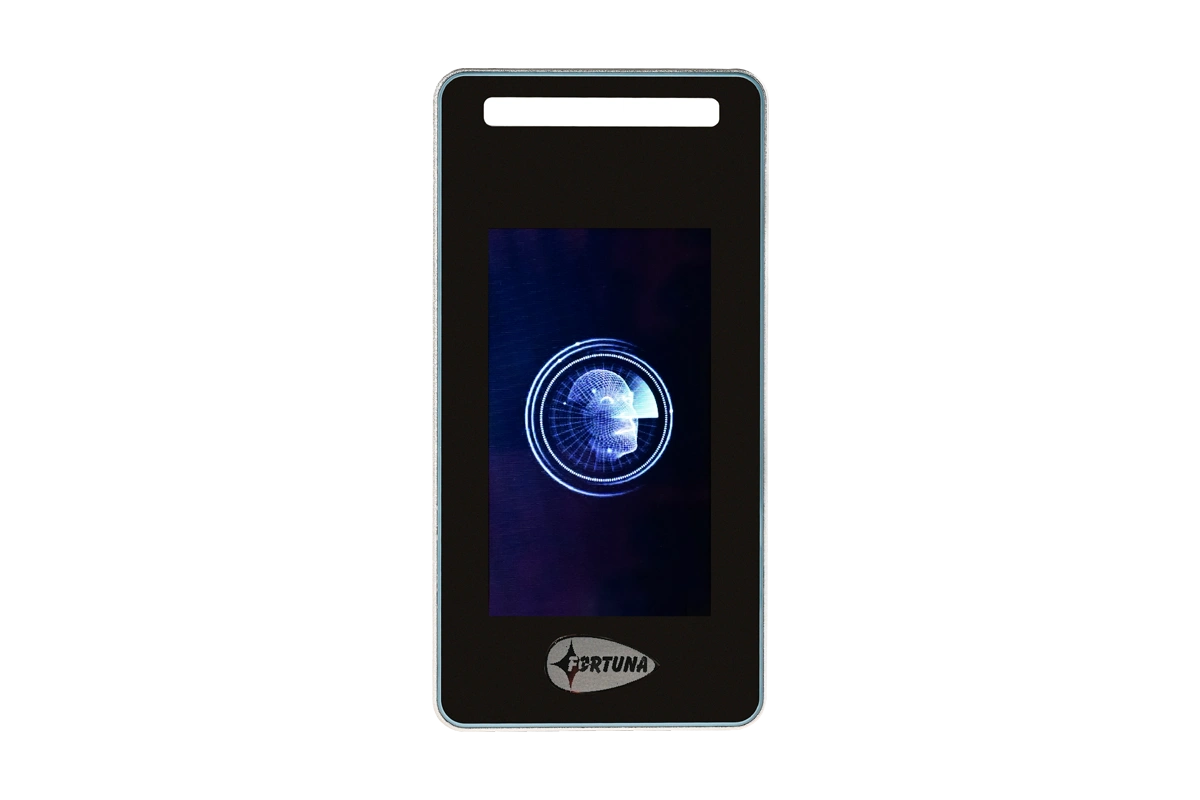
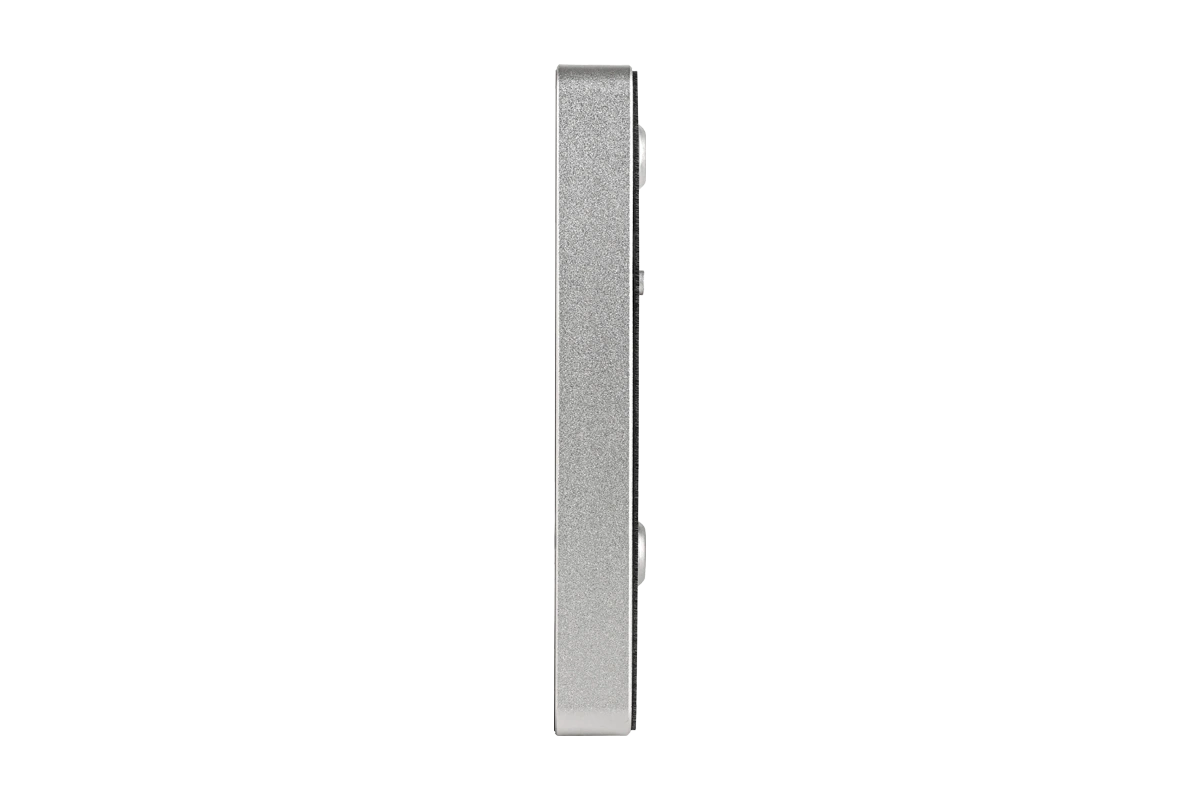
Face recognition reader — outdoor, IP65
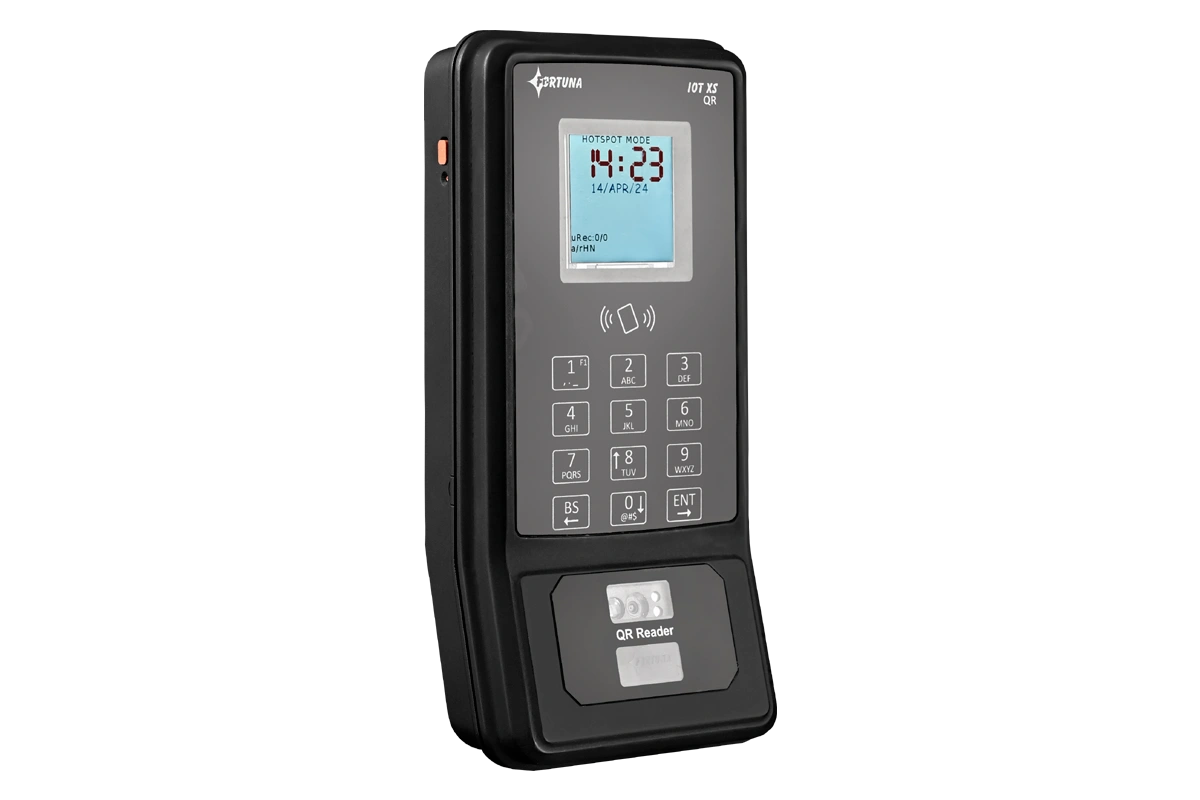
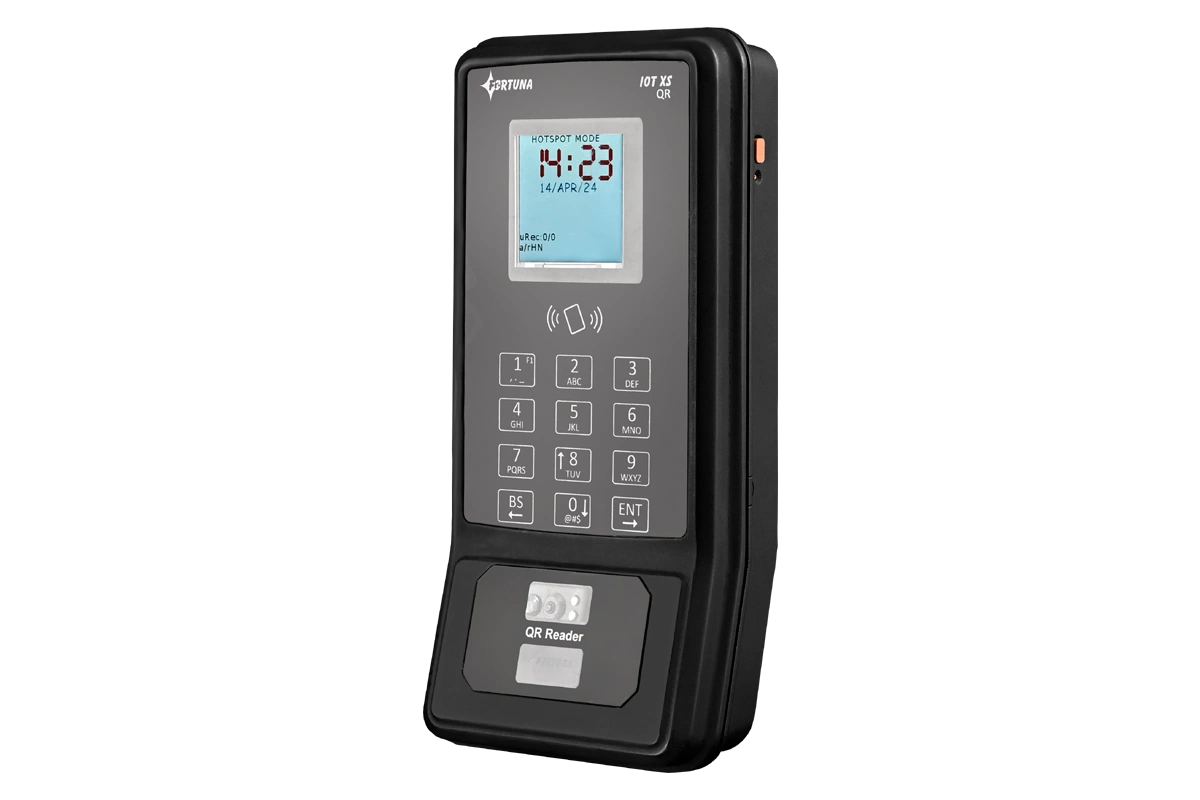
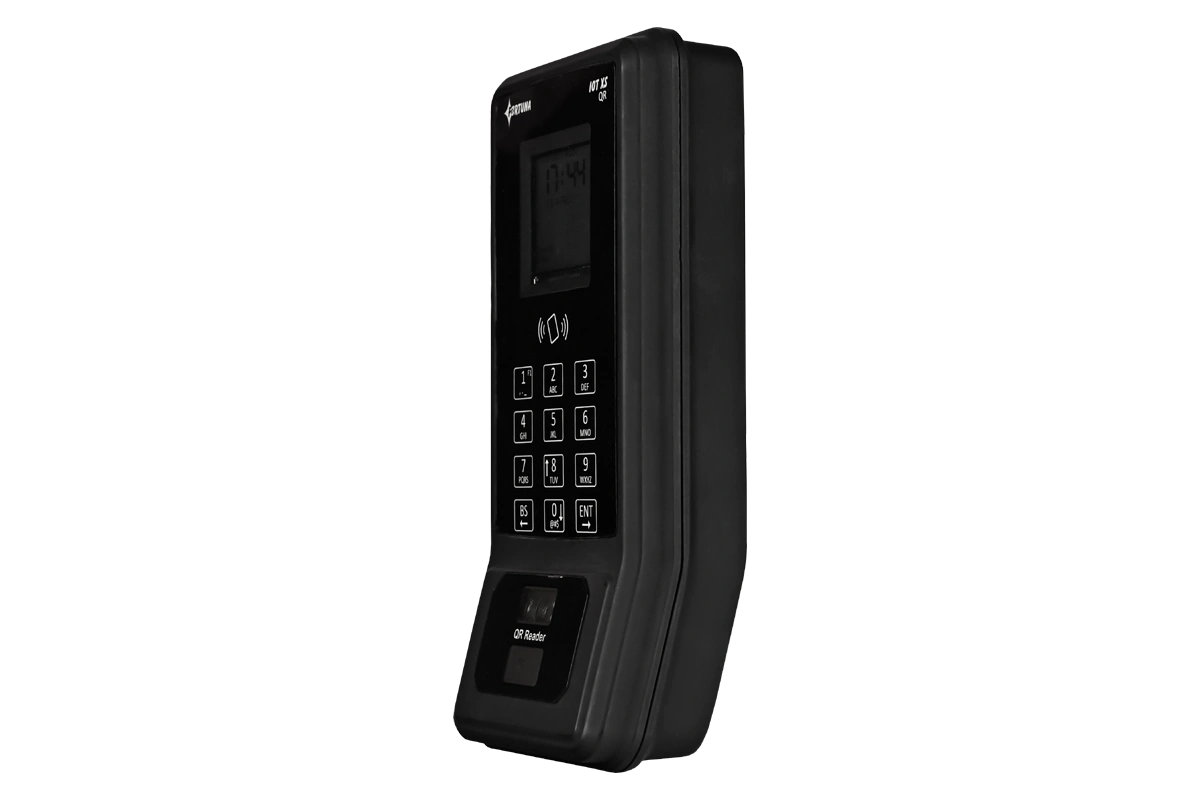
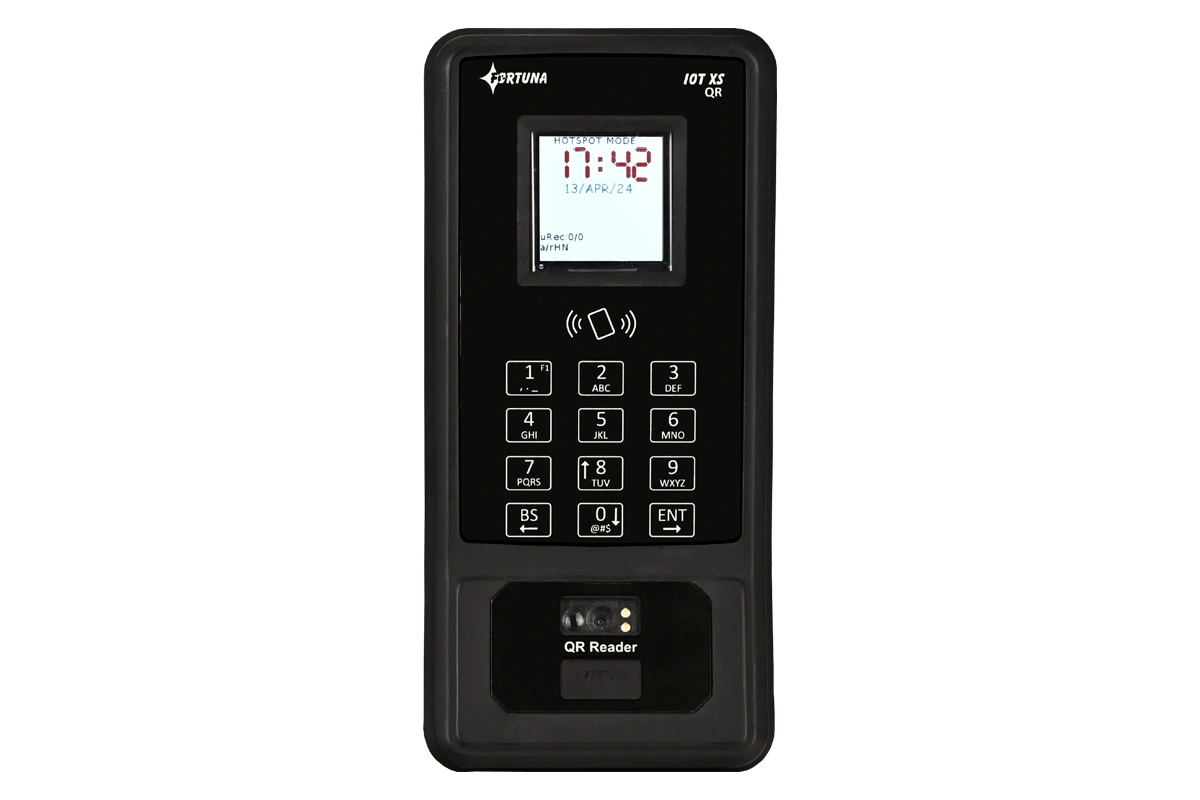
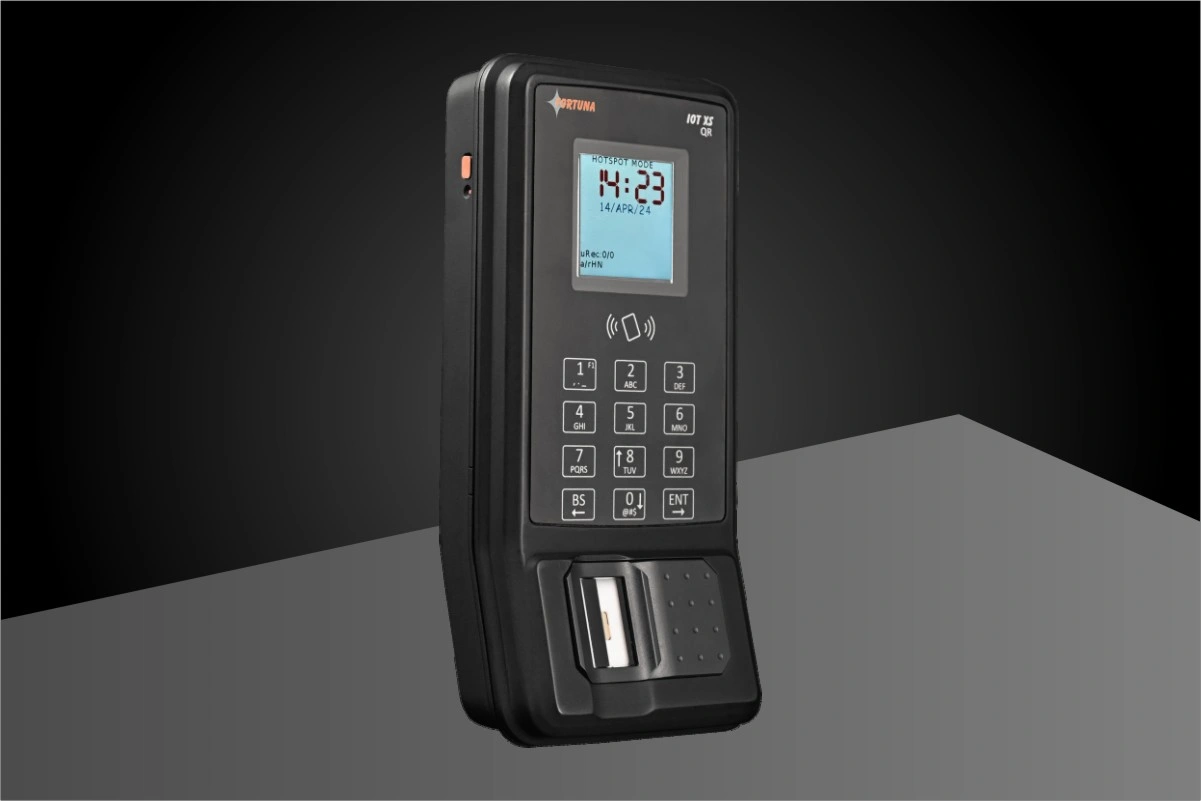
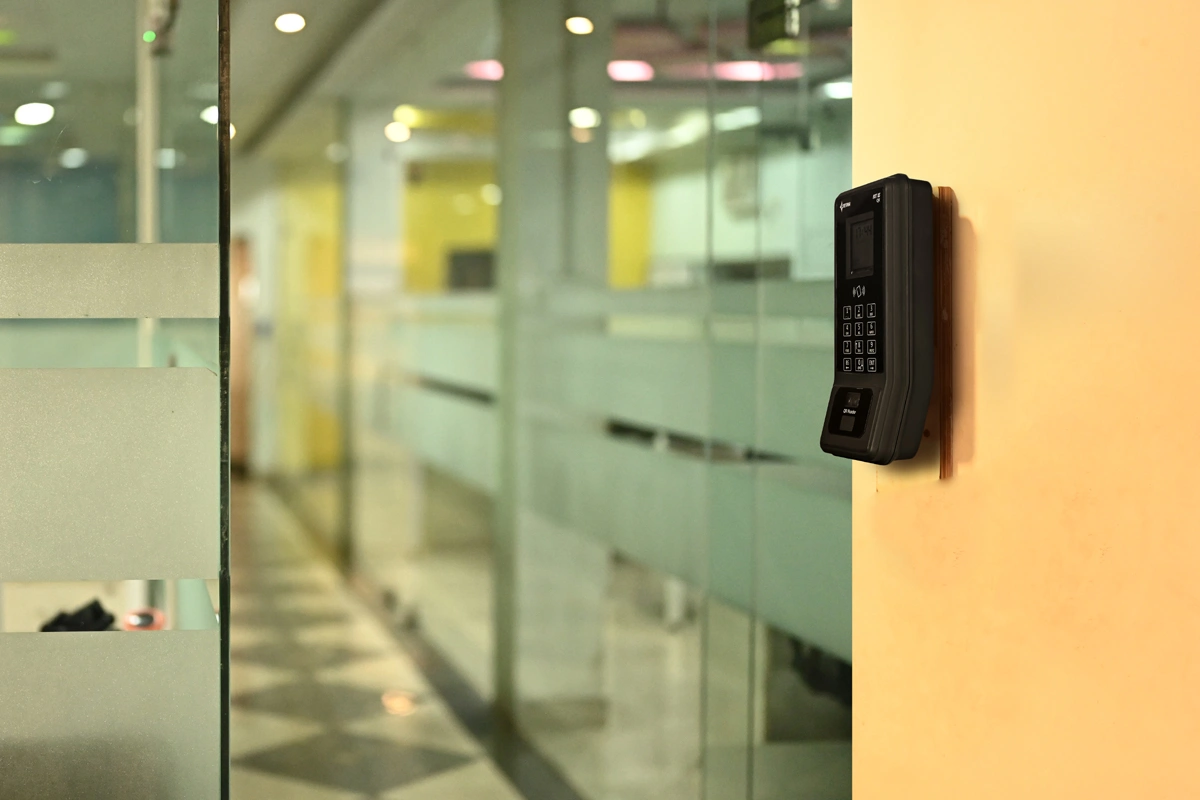
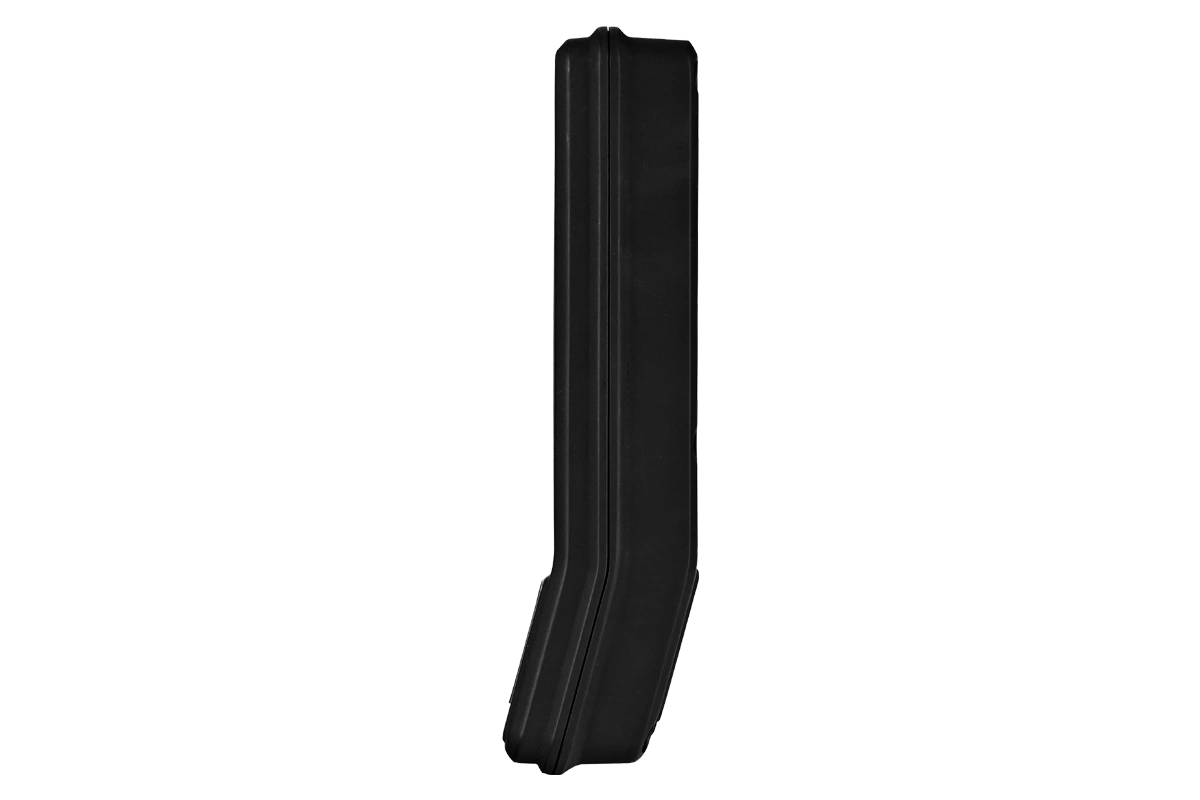
IoT QR code reader with built-in door controller
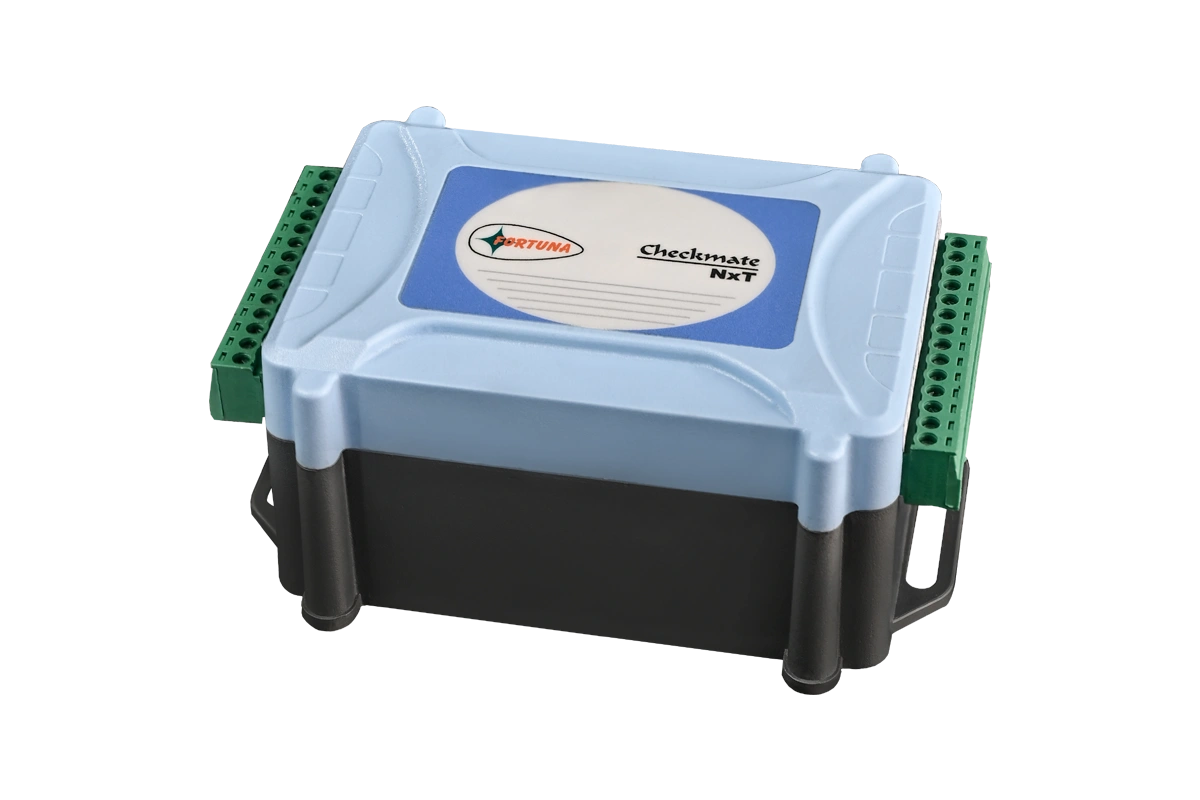
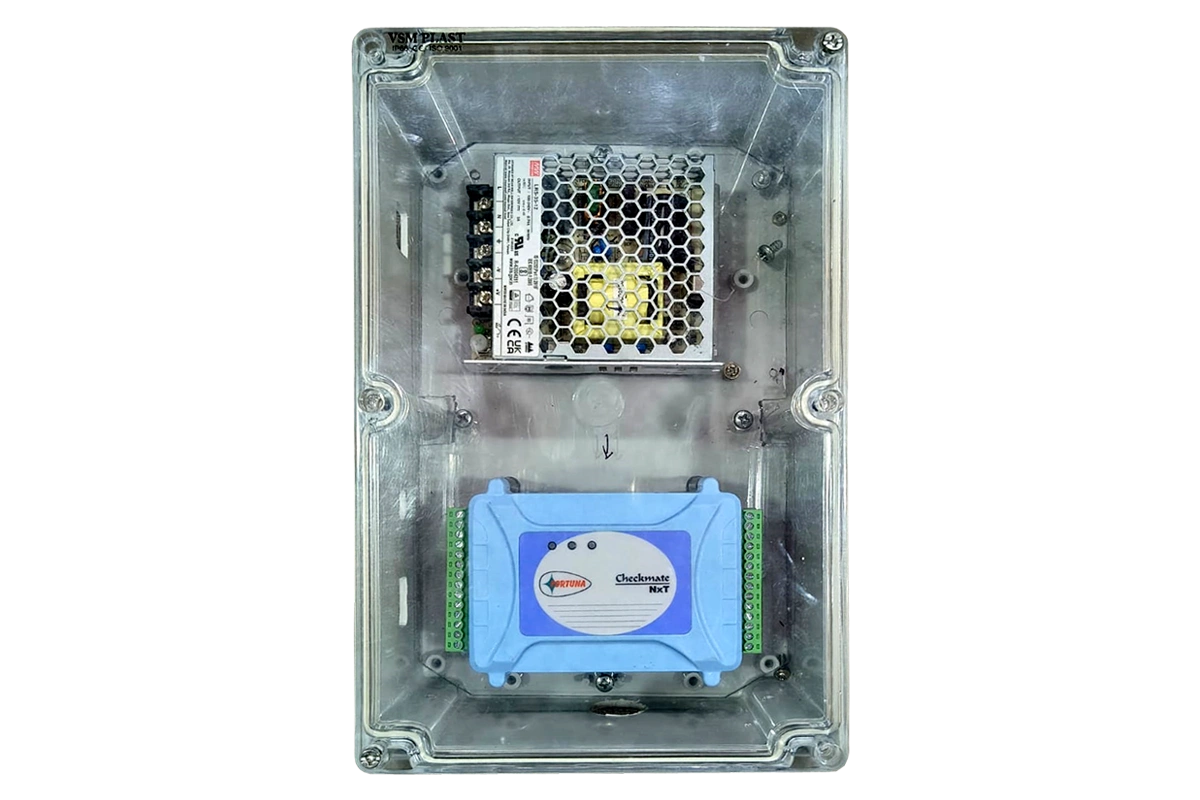
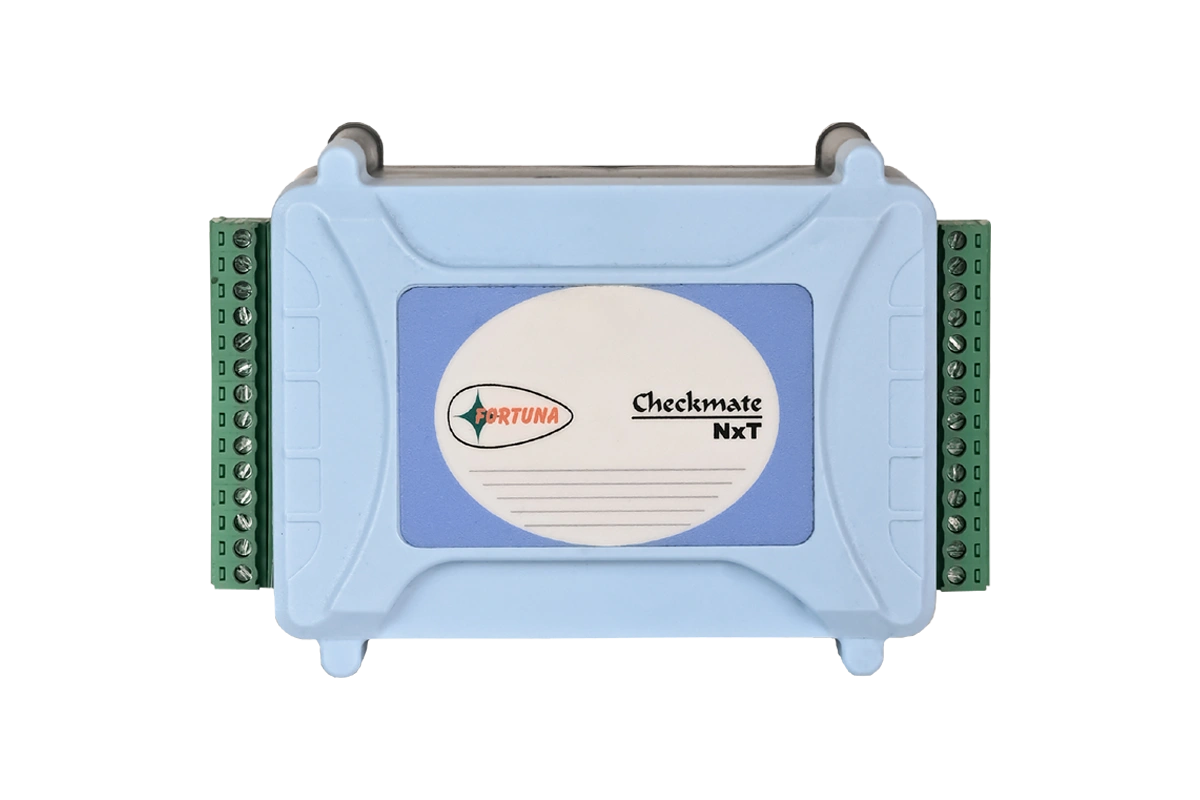
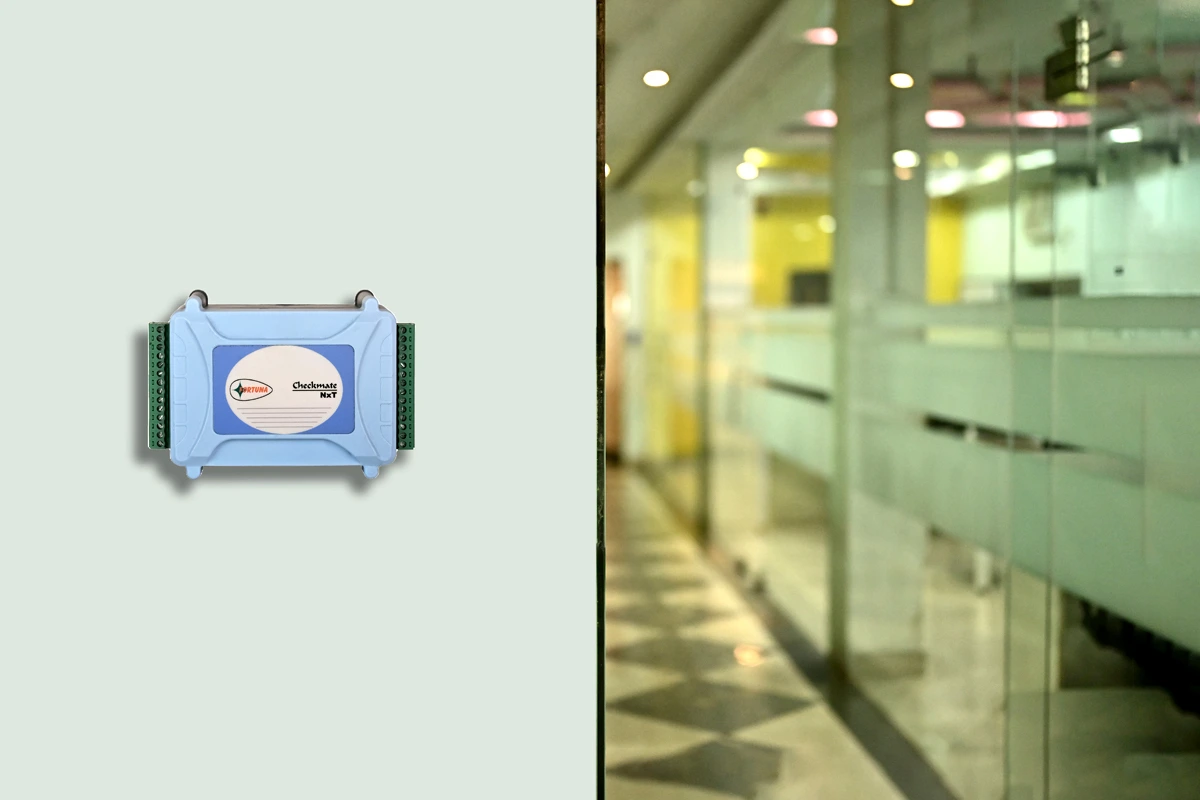
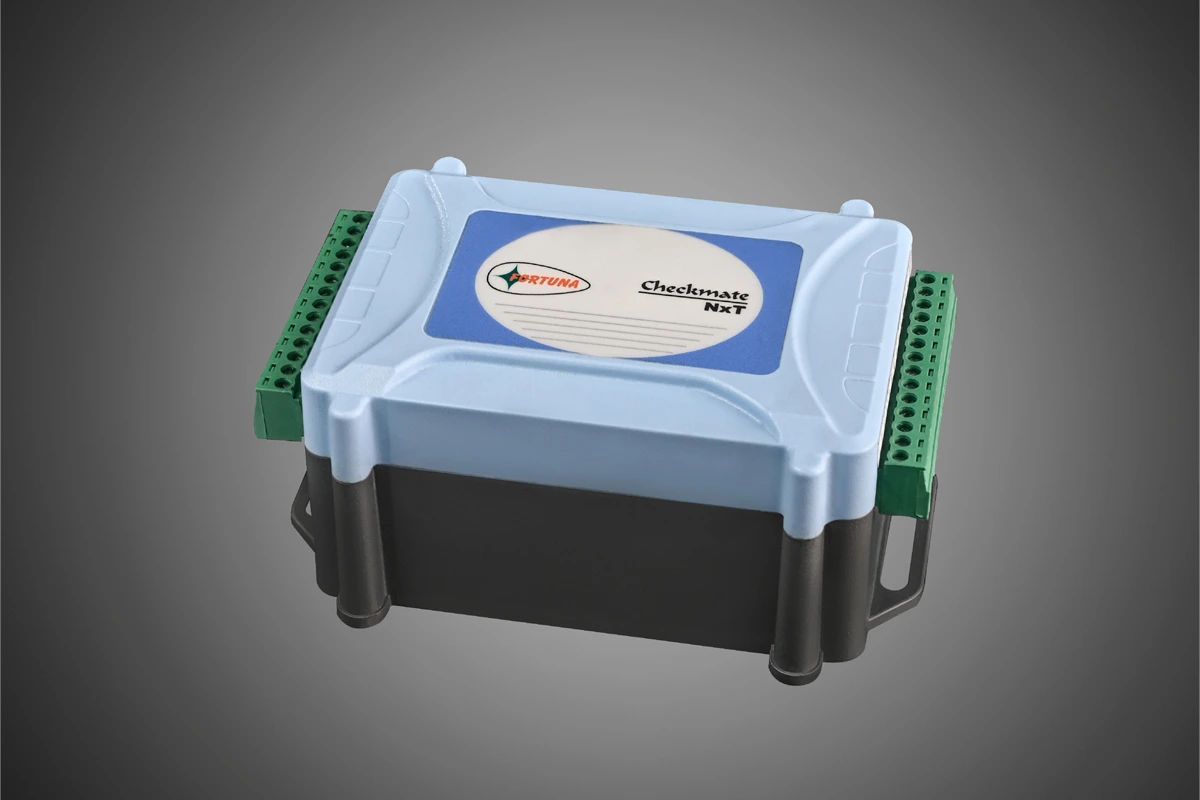
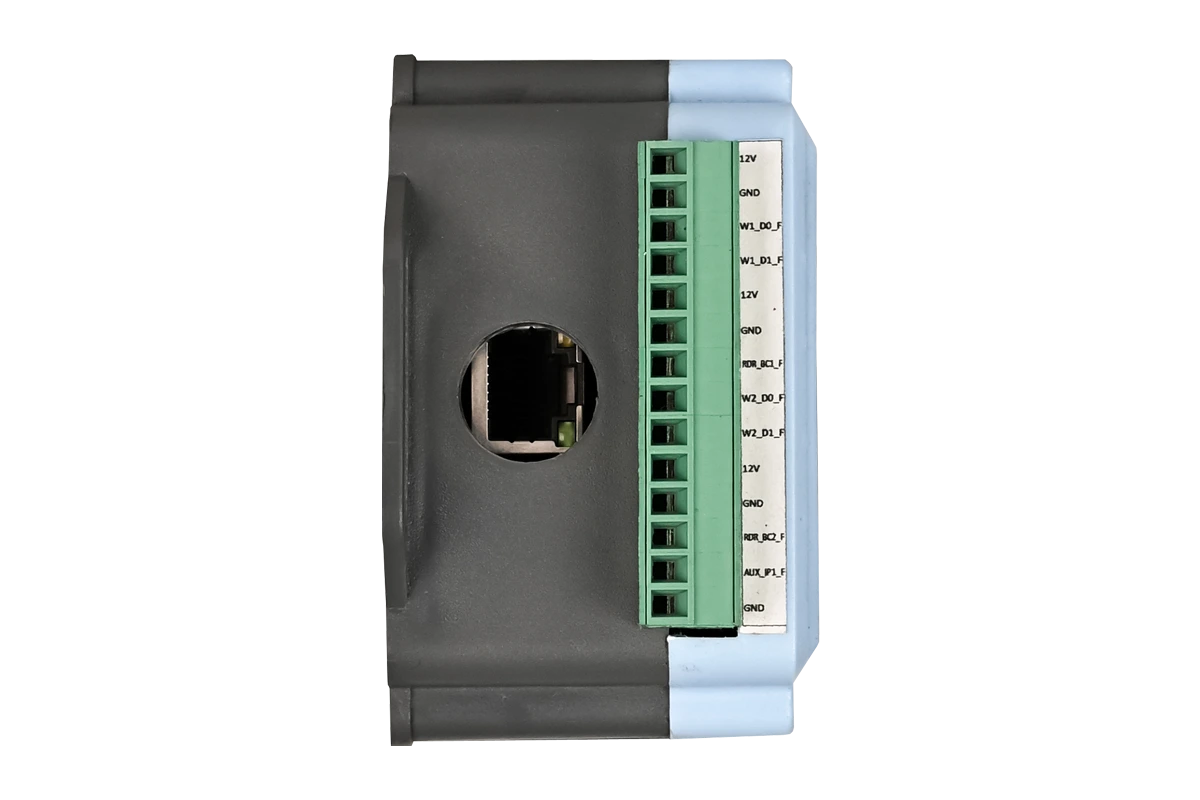
2-door access control panel with WiFi
RFID card reader — EM + MIFARE
Deployment options
Priced by the number of kiosks, door integrations, and locations deployed — not by visitor volume. Costs remain predictable regardless of how many visitors your facility receives each day.
Zero infrastructure overhead. Manage visitor operations, approvals, and reports from any browser or mobile device. Automatic software updates. Ideal for multi-location organisations that need real-time visibility without server maintenance.
All visitor data stays within your own servers. Full data sovereignty. Ideal for enterprises with compliance or security requirements that mandate internal hosting — government and defence deployments in particular.
Response within 24 hours. No obligation
Common questions
Get started
See the full visitor journey — pre-registration, kiosk check-in, host notification, access control integration, and automatic check-out — demonstrated live for your specific facility type.

Fortuna
Typically replies within minutes
Any questions related to Visitor management system?
WhatsApp Us
Online | Privacy policy
WhatsApp us